Hyros says most businesses are set up in about 15 minutes with one-click integrations, and its setup team can do the work with you. Complex funnels take longer. Either way, the order of operations matters.
Before You Start
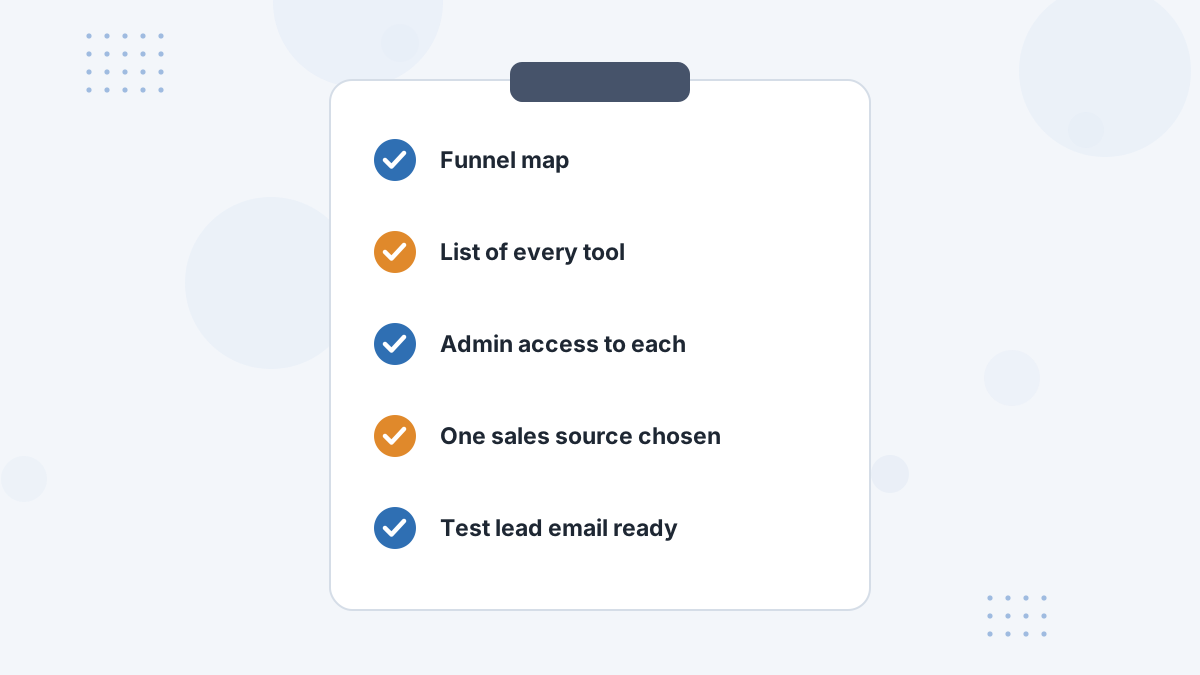
- Map your funnel: every page, domain and conversion.
- List your tools: ad accounts, cart, processor, CRM, scheduler and email.
- Gather admin access for each.
- Choose one sales source per sale to avoid duplicates.
- Prepare a test email for end-to-end testing.
Step 1: Install the Universal Script
Copy the universal tracking script from the Tracking section in Hyros and paste it into the head of every page you control, as high as possible and only once per page. Hyros's guide warns against placing it inside other scripts, in CSS files or after the closing HTML tag.
Publish, clear caches, then check the page source for "hyros" to confirm it's live. Platform-specific placement is covered in our guides for Shopify, ClickFunnels, Kajabi, GoHighLevel and WooCommerce.
Step 2: Connect Your Ad Accounts
Connect Meta, Google, TikTok and any others so Hyros can pull spend and later send conversions back. For Google Ads, Hyros's troubleshooting notes that auto-tagging and the correct customer ID and conversion action matter.
Hyros also documents tracking templates for specific Google campaign types, such as Shopping and Performance Max.
Step 3: Connect Your Sales Source
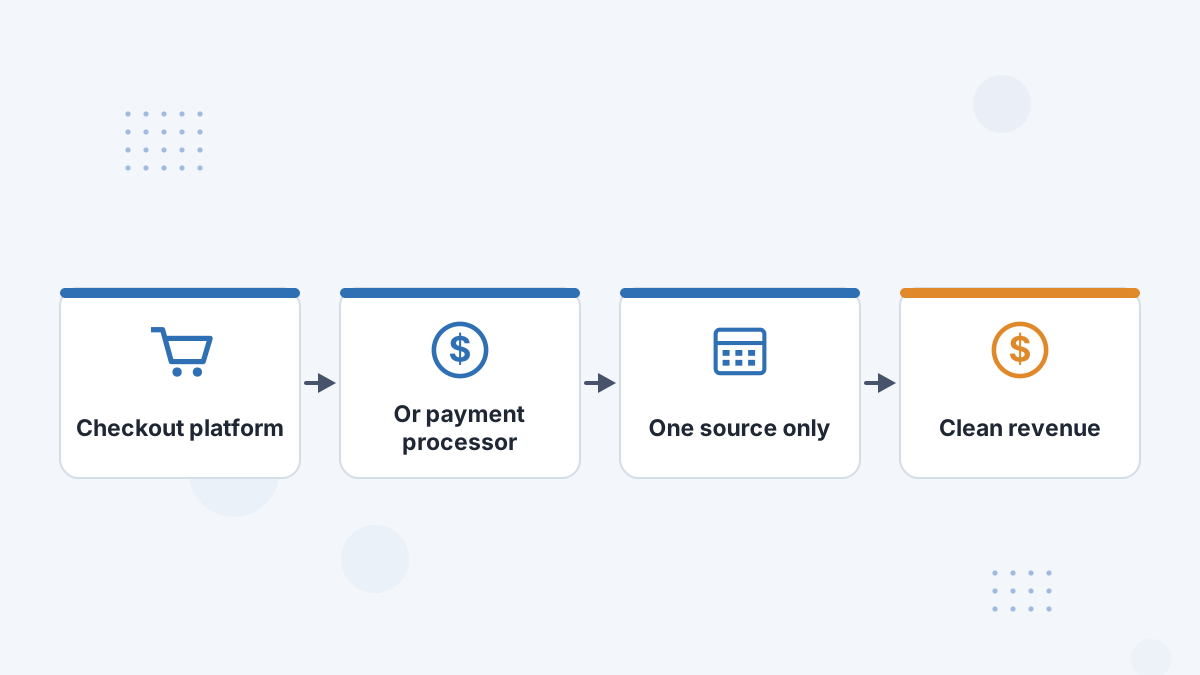
Connect the system that sees every sale: your cart or your payment processor, not both for the same sales. Hyros's documentation repeatedly warns that two sources cause duplicate sales.
See Stripe and the full integrations list.
Step 4: Connect Calls and CRM
If you sell on calls, connect your scheduler (such as Calendly) and CRM (such as HubSpot). For inbound calls, connect your call tracking tool such as CallRail.
Step 5: Connect Email
Connect your email platform and tag email links so nurture clicks join each journey. See Hyros email tracking.
Step 6: Test End to End
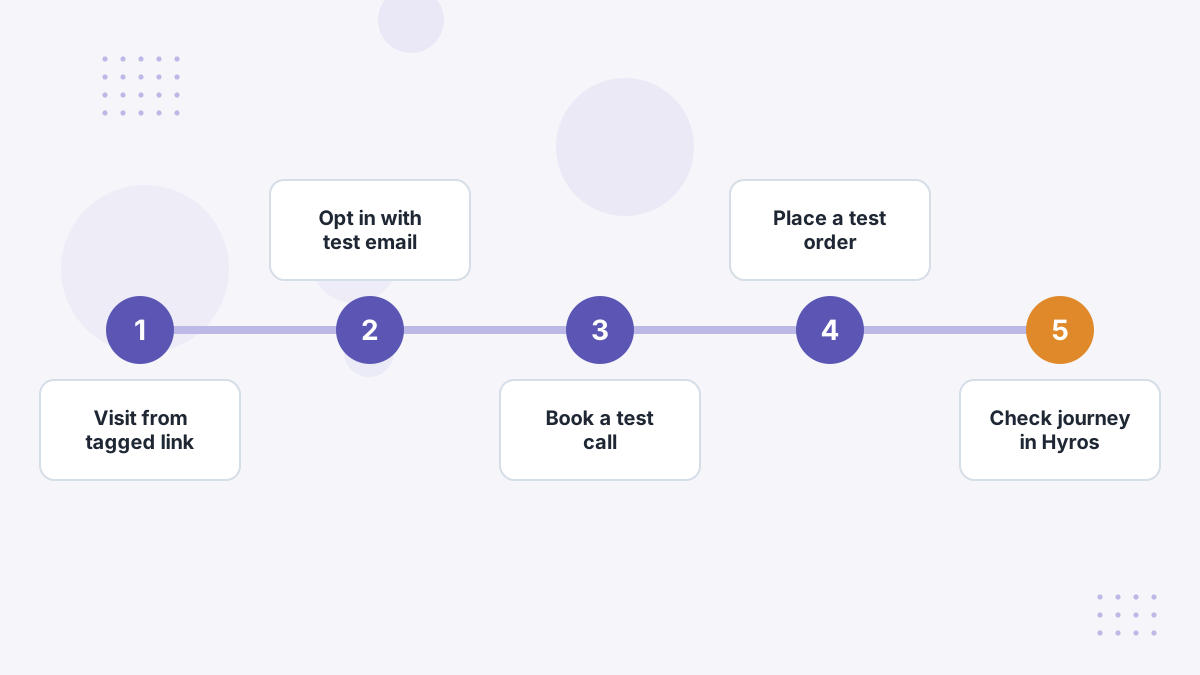
- Visit a landing page from a tagged link.
- Opt in with your test email and confirm the lead appears.
- Book a test call if you use one.
- Buy through your normal checkout.
- Check the full journey in Hyros, with each event appearing once.
Integration data can take 15 to 30 minutes to appear, according to Hyros's troubleshooting guidance.
Step 7: Turn On Conversion Feedback
Once tracking is verified, configure which conversions Hyros sends back to the ad platforms. Coordinate with any existing Conversions API setup to avoid duplicates. See AI ad optimization.
Step 8: Let Data Build, Then Review
Give Hyros time to collect data before judging campaigns. Hyros's call funnel guidance suggests two to three days at minimum; longer buying cycles need longer. Then start with the core reports.
Hyros Setup FAQs
How long does Hyros setup take?
Hyros says most businesses take about 15 minutes; multi-tool funnels take longer.
Where does the Hyros script go?
In the head of every page, as high as possible, once per page.
Should you connect both your cart and Stripe?
Not for the same sales. Use one source to avoid duplicates.
When can you trust the data?
After end-to-end tests pass and enough time has passed for journeys to complete.
Get Tracking Right From Day One
Book a Hyros demo and plan your setup with the team that does it every day.
Book a Hyros Demo