WooCommerce powers a large share of online stores, and many attribution tools treat it as an afterthought. Hyros supports it natively. Here's the setup, based on Hyros's documentation, plus the subscription caveat you need to know.
What the WooCommerce Integration Does
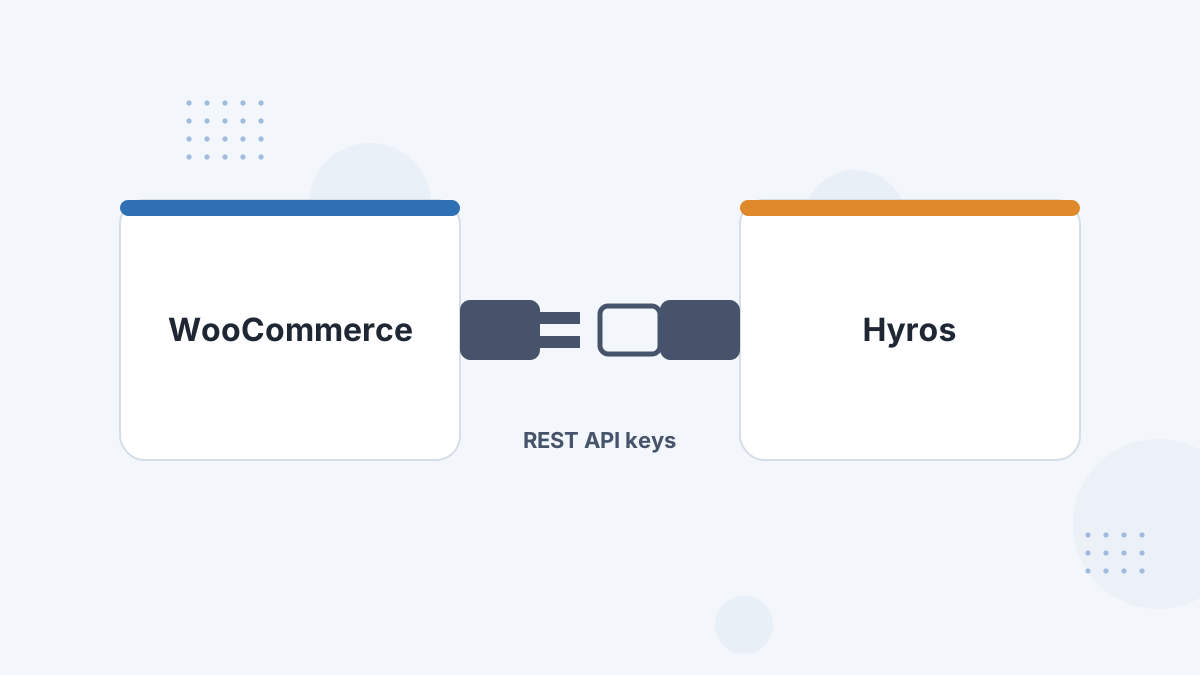
Hyros connects to your store using WooCommerce REST API keys, not a plugin. Orders flow to Hyros server-side, and the Hyros script in your theme header records visitors so orders can be matched to their ad source.
What You Need Before You Start
- Admin access to WordPress and WooCommerce.
- Access to your theme's header file, or a header-scripts setting.
- Optional: the free Cost of Goods plugin if you want product costs in Hyros.
Step-by-Step Setup
- Generate API keys. In WooCommerce, go to Settings, then Advanced, then REST API, and create a key. Read-only permissions cover Customers, Orders, Order Transactions and Products.
- Connect in Hyros. In Settings, then Integrations, then WooCommerce, enter the Consumer Key, Consumer Secret, store name and domain.
- Add the script. Paste the Hyros universal script as high as possible in the head of your active theme's header file.
- Configure sales statuses. Choose which order statuses count as sales.
- Decide on Cash on Delivery. It's ignored by default; if enabled, it counts once the order reaches Processing.
The Subscription Caveat
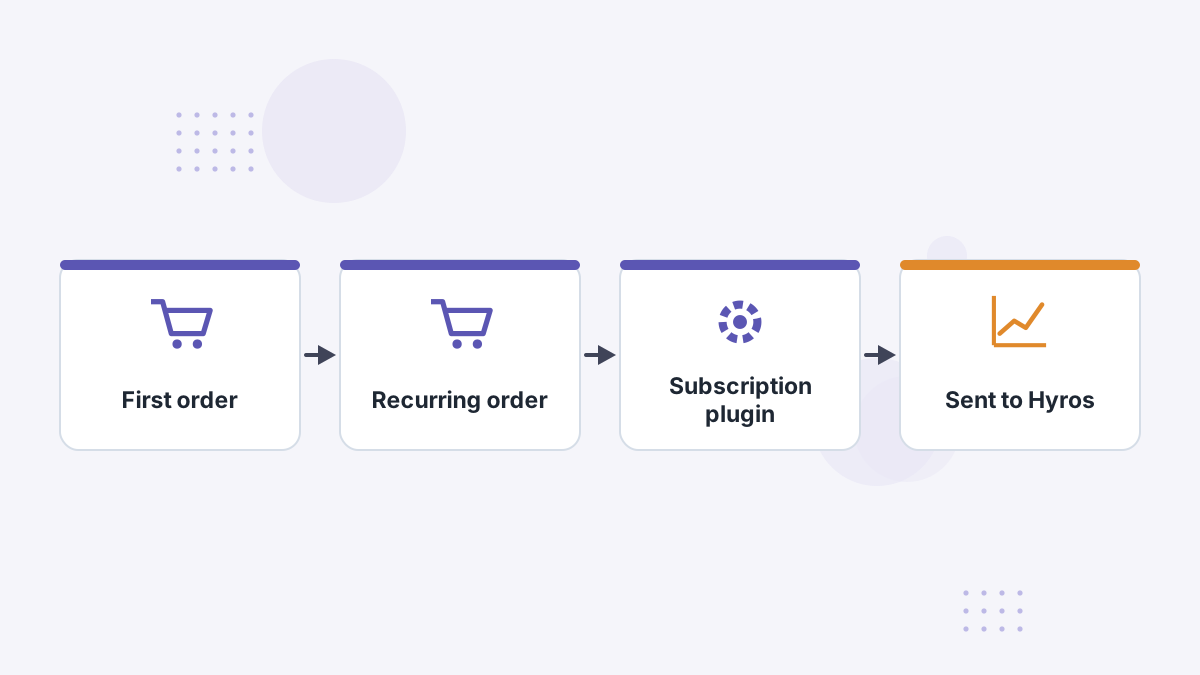
WooCommerce doesn't send recurring sales by default. According to Hyros's documentation, recurring sales are tracked with the YITH Subscription plugin; other subscription plugins require contacting Hyros support.
If renewals are a big part of your revenue, sort this out during setup. Otherwise LTV by ad will understate your best campaigns.
Testing Your Setup
- Confirm the script appears in your page source.
- Clear any caching plugins after adding the script.
- Place a test order and confirm it appears in Hyros.
- Check API key permissions if orders don't arrive.
Common Problems and Fixes
- Script not loading: a caching or optimization plugin may be stripping or deferring it. Clear caches and check exclusions.
- Theme updates: editing header.php directly can be overwritten by theme updates. Use a child theme or a header-scripts plugin.
- Orders missing: check the API key permissions and that the integration is connected.
- Renewals missing: see the subscription caveat above.
Hyros WooCommerce FAQs
Does Hyros need a WooCommerce plugin?
No. It connects with WooCommerce REST API keys; the Cost of Goods plugin is optional.
Does Hyros track WooCommerce subscriptions?
With the YITH Subscription plugin. Other plugins need Hyros support.
Which order statuses count as sales?
It's configurable. Cash on Delivery is ignored by default.
What permissions does the API key need?
Read-only access to Customers, Orders, Order Transactions and Products.
Bring Server-Side Attribution to WooCommerce
Book a Hyros demo to see your store's orders attributed across every ad platform.
Book a Hyros Demo