Stripe is the payment backbone for many SaaS companies, course creators and high-ticket sellers. Because it sees every charge, it's often the most complete sales source you can give Hyros, especially for subscriptions.
What the Stripe Integration Does
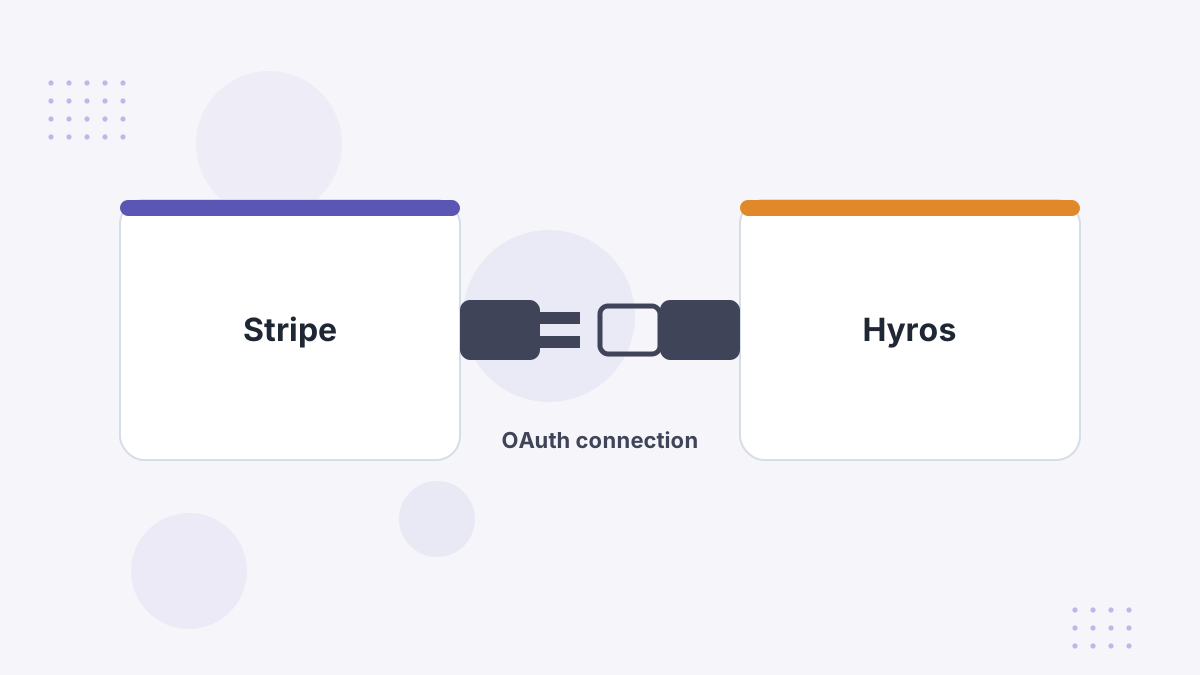
Hyros connects to Stripe through OAuth and pulls in your payments. Those sales are matched to buyers' journeys and credited to the ads that produced them.
Because Stripe also handles recurring billing, Hyros can attribute renewals to the original ad, which feeds its LTV and subscription reporting.
Before You Start: Pick One Sales Source
Don't connect both a checkout platform and Stripe for the same sales. Hyros's documentation warns this causes duplicate sales. Keep one source, typically the checkout platform, unless Stripe sees sales your checkout doesn't.
When is Stripe the better source? When you bill through several tools (invoices, payment links, a custom checkout) that all settle in Stripe, or when subscriptions are managed directly in Stripe.
Step-by-Step Setup
- Open the Stripe integration in Hyros's integration settings and click Configure.
- Authorize in Stripe. You'll be redirected to Stripe; grant Hyros Read and Write access.
- Confirm the status toggle is on back in Hyros.
- Decide on $0 events. Trials and setup events can create $0 subscription events; Hyros offers a setting to ignore them.
- Import history. Hyros can import up to 365 days of historical sales to build lifetime value.
What Gets Tracked
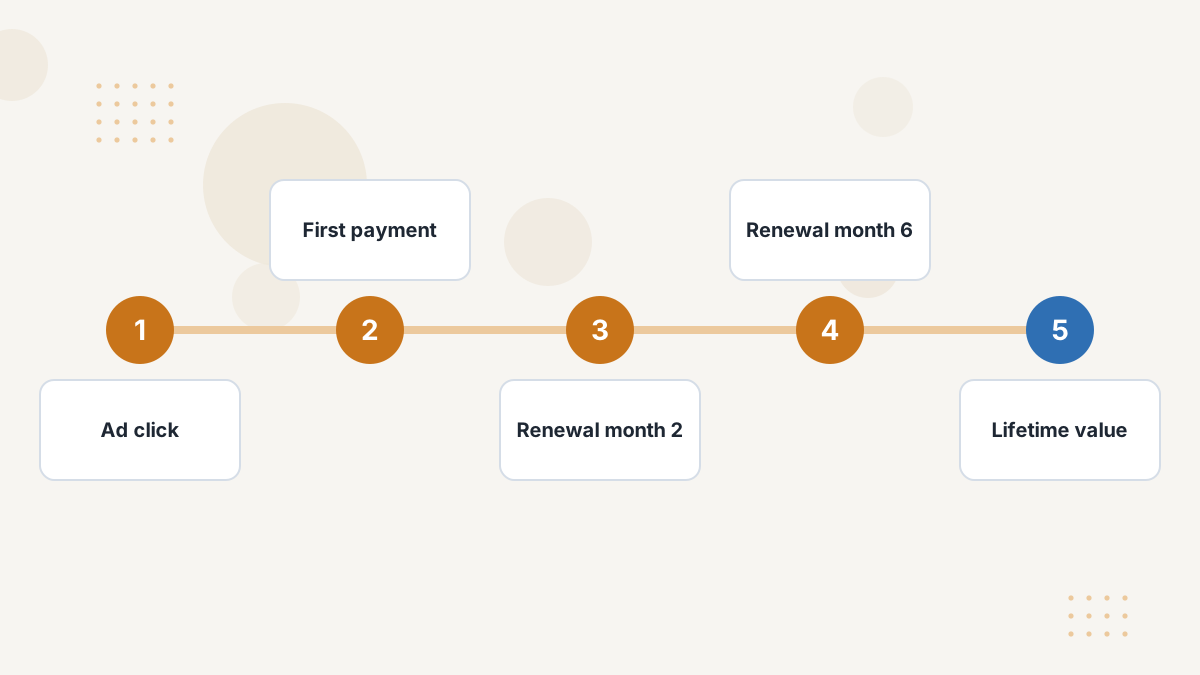
Stripe payments flow into Hyros and are matched to leads. For subscription businesses, renewals keep crediting the ad that won the customer, so you can judge campaigns on lifetime value rather than the first charge.
The historical import matters too: with up to a year of past sales, existing customers' value is in place from day one. See tracking customer lifetime value.
Testing Your Setup
Hyros's Stripe guide has no formal test procedure, but its troubleshooting advice is straightforward: confirm the connected status, make sure the right Stripe account is linked, and wait a few minutes for sales to sync.
We'd also run a small live test purchase through your normal checkout and confirm it appears once, not twice.
Common Problems and Fixes
- Duplicate sales: another checkout integration is also reporting the same payments.
- Wrong account: several Stripe accounts exist and the wrong one was authorized.
- Noise from trials: turn on the option to ignore $0 subscription events.
- Revenue mismatch: check currency settings, refunds and test orders.
Hyros Stripe FAQs
How does Hyros connect to Stripe?
Through OAuth: you authorize Hyros with Read and Write access from Stripe.
Can Hyros import past Stripe sales?
Yes, up to 365 days of historical sales for lifetime value.
Should you connect Stripe and ClickFunnels?
Not for the same sales. Use one sales source to avoid duplicates.
Does Hyros track Stripe subscriptions?
Yes. Recurring payments feed Hyros's LTV and subscription reporting.
Credit Every Renewal to the Right Ad
Book a Hyros demo to see Stripe revenue attributed across the full customer lifetime.
Book a Hyros Demo