Hyros supports both ClickFunnels 1.0 and ClickFunnels 2.0. Most new funnels run on 2.0, so this guide focuses there, using the steps in Hyros's documentation.
What the ClickFunnels Integration Does
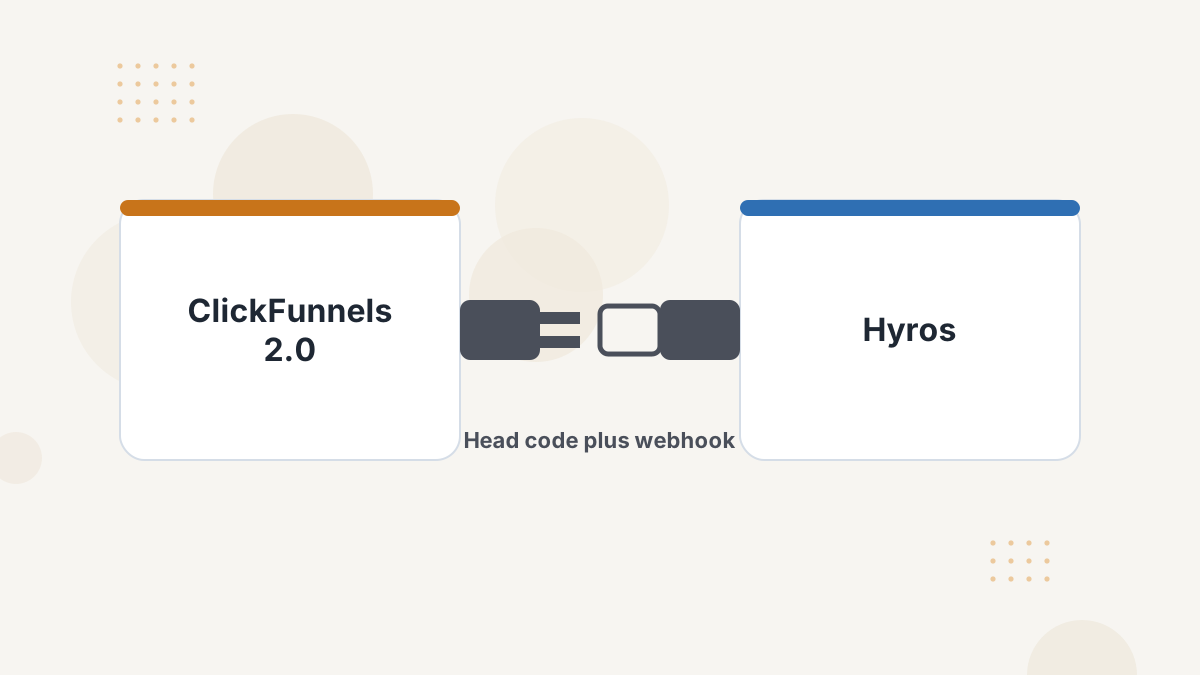
There are two pieces. The Hyros universal script in your ClickFunnels site's head code tracks visits across every page. A webhook from ClickFunnels sends orders, contacts and subscription events to Hyros.
Together, they let Hyros match each sale to the visitor's original ad, even if they bought days later on a different device.
What You Need Before You Start
- ClickFunnels 2.0 admin access.
- Your Hyros universal tracking script.
- A decision on your single sales source (see the warning below).
Step-by-Step Setup
- Add the script. In ClickFunnels 2.0, open your Site tab, then Overview, then Edit. Paste the Hyros universal script into the Head Code section and update. Hyros's guide says this tracks all pages created in ClickFunnels.
- Create the integration in Hyros. Add a ClickFunnels 2.0 integration and copy its webhook URL.
- Add the webhook in ClickFunnels. Under Settings, then Webhooks, add the URL as an endpoint.
- Select events: order.created, order.updated, contact.created, subscription.activated and subscription.canceled.
- Set the API version to V1 and save.
What Gets Tracked
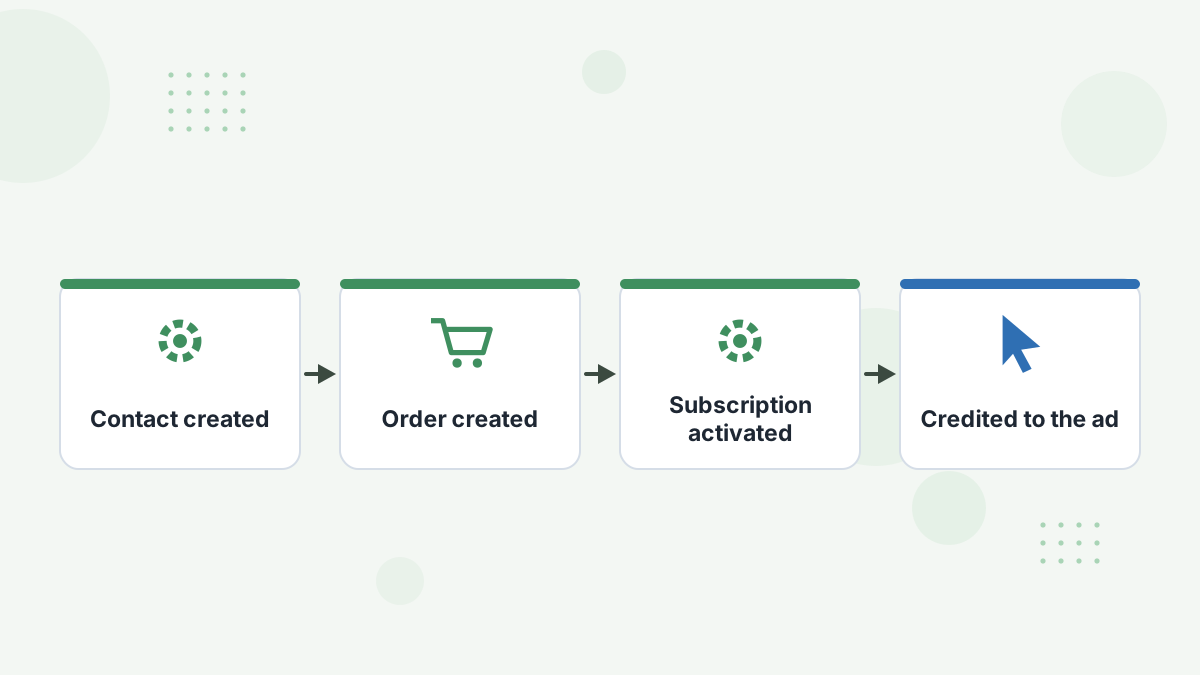
The integration covers orders and sales, contacts and subscription events. You can optionally assign lead stages to events such as a new lead being created.
For a typical info funnel, that means front-end orders, order bumps and subscription starts and cancellations all reach Hyros, and roll up into revenue and LTV by ad.
Avoid Duplicate Sales
Use one sales source. Hyros's documentation warns that connecting ClickFunnels 2.0 and another processor such as Stripe for the same sales causes duplicates. Pick the one that sees every sale, usually your checkout platform.
Duplicate sales inflate ROAS and confuse any conversions you send back to ad platforms, so it's worth getting right on day one. See the Stripe integration guide if Stripe is your better source.
Testing Your Setup
- Check your funnel page source for the Hyros script.
- Opt in as a test lead and confirm the lead appears in Hyros.
- Place a test order and confirm the sale appears against that lead.
If something's missing, check the selected webhook events, API version, the copied URL and script placement, as Hyros's troubleshooting suggests.
Getting More From ClickFunnels and Hyros
If your ClickFunnels funnel feeds a webinar or call, connect your scheduler too, and tag email links so nurture clicks join the journey. See webinar funnel tracking and Hyros for coaches.
Hyros ClickFunnels FAQs
Does Hyros work with ClickFunnels 1.0?
Yes. Hyros has separate guides for ClickFunnels 1.0 and 2.0.
Which webhook events should be selected?
order.created, order.updated, contact.created, subscription.activated and subscription.canceled, with API version V1.
Can you connect Stripe as well?
Not for the same sales. Hyros warns that two sales sources cause duplicates.
Does the head code cover all pages?
Hyros's guide says the site-level head code tracks all pages created in ClickFunnels.
See Your ClickFunnels Sales by Ad
Book a Hyros demo to see orders and subscriptions credited to the campaigns that drove them.
Book a Hyros Demo