GoHighLevel (often called GHL or HighLevel) is popular with agencies and coaches because it bundles funnels, a CRM, calendars and automations. That convenience also means a lot of your funnel lives inside one tool, which makes connecting it properly to Hyros important.
What the GoHighLevel Integration Does
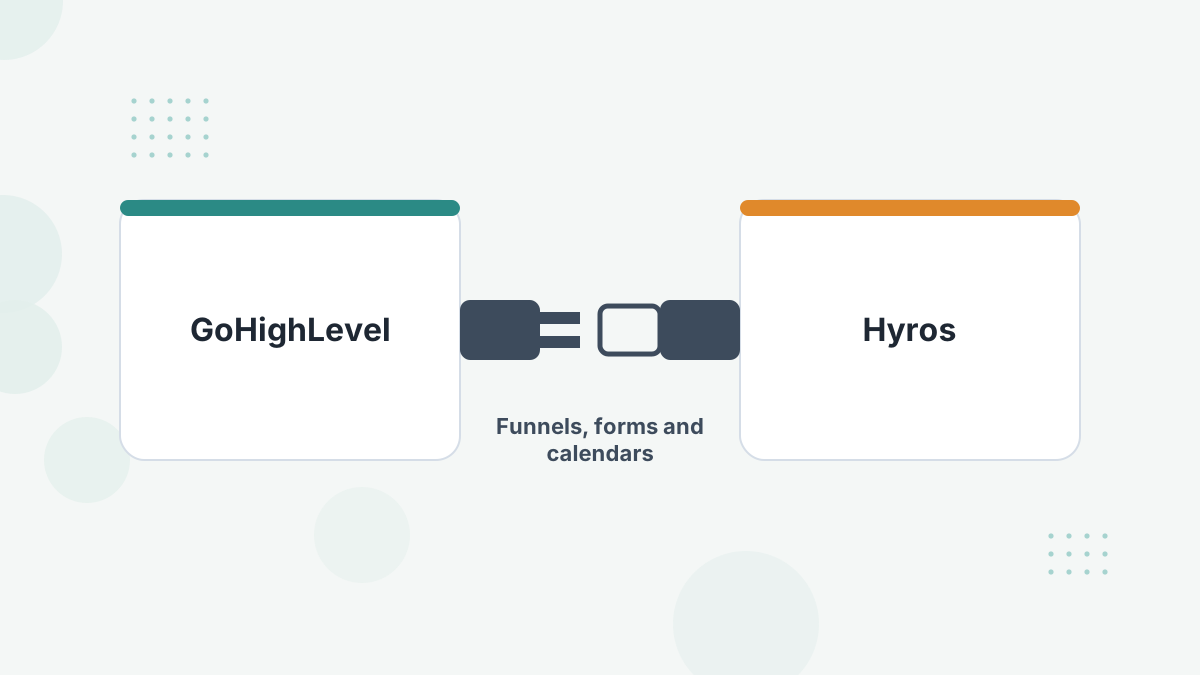
The integration has two parts. A native connection in Hyros links your GoHighLevel account, and the Hyros tracking script on your GHL funnels records visits and opt-ins.
Together they let Hyros see who arrived from which ad, who opted in, who booked, and who bought, so revenue in GoHighLevel gets credited to the right campaign. HighLevel is listed among Hyros's CRM integrations.
What You Need Before You Start
- Admin access to GoHighLevel.
- Know your account type: agency account or sub-account. Each may need its own configuration.
- A list of funnels and sites you want tracked.
- Your Hyros tracking script from the Tracking tab in Hyros.
Step-by-Step Setup
- Create the integration in Hyros. Go to Settings, then Integrations, select GoHighLevel, name the connection and choose your GHL account.
- Copy the tracking script from the Tracking tab in Hyros.
- Add it to each funnel. In GoHighLevel's Sites tab, open the funnel's Settings, find the Head Tracking Code section, paste the script and save.
- Repeat for every funnel and website. GHL settings are funnel-specific, so one paste doesn't cover all funnels.
- Set up calendars and forms using Hyros's separate GoHighLevel Scheduler guide, which covers calendar tracking with redirect parameters, form tracking and lead stages.
Hyros's setup team can do this with you. Our full Hyros setup guide covers the wider onboarding.
What Gets Tracked
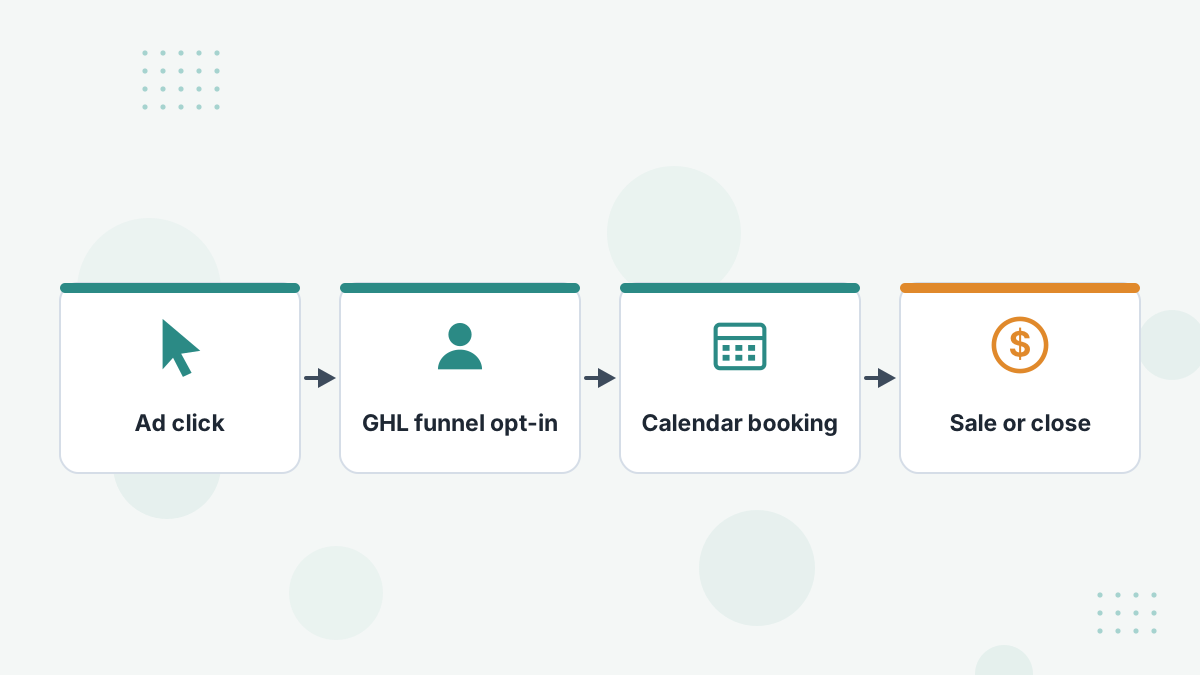
With the script on your funnels and the integration connected, Hyros can follow a lead through your GHL funnel pages and conversions. With the scheduler setup, calendar bookings and lead stages join the journey.
That gives you cost per opt-in, cost per booking and revenue by ad, all tied to the same lead. For call funnels, it's the foundation of Hyros call tracking.
Testing Your Setup
- Visit one of your funnel pages and check the page source contains the Hyros script.
- Complete a test conversion, such as a form submission or purchase.
- Check the Hyros dashboard for the test lead and conversion.
- If you track calendars, make a test booking and confirm it appears.
Allow a few minutes for data to appear. Integration data can take 15 to 30 minutes, according to Hyros's troubleshooting guidance.
Common Problems and Fixes
- Only some funnels tracking: the script is added per funnel. Check each funnel's Head Tracking Code.
- Agency vs sub-account confusion: configure each account level that hosts funnels.
- White-label domain: works the same way, just with a different login URL.
- Duplicate sales: if GHL and a payment processor both report the same sale, keep one sales source.
More fixes in Hyros troubleshooting.
Getting More From GoHighLevel and Hyros
Once tracking is live, send qualified bookings or closes back to Meta and Google so they optimize on real buyers. Agencies can manage client GHL accounts alongside Hyros client accounts. See Hyros for agencies and AI ad optimization.
Hyros GoHighLevel FAQs
Does Hyros integrate natively with GoHighLevel?
Yes. HighLevel is a listed integration, connected from Settings, then Integrations in Hyros.
Do you need to add the script to every funnel?
Yes. GoHighLevel's tracking code settings are funnel-specific.
Can Hyros track GHL calendar bookings?
Yes, using Hyros's GoHighLevel Scheduler setup with redirect parameters.
Does it work with white-label GHL?
Yes. White-label domains work the same way.
Track Your GoHighLevel Funnels to Revenue
Book a Hyros demo and see your GHL opt-ins, bookings and sales tied back to the ads that produced them.
Book a Hyros Demo