If Hyros matched Ads Manager exactly, there'd be little reason to use it. Differences are expected. The goal is to understand which differences are healthy and which mean something's broken.
Expected Differences vs Problems
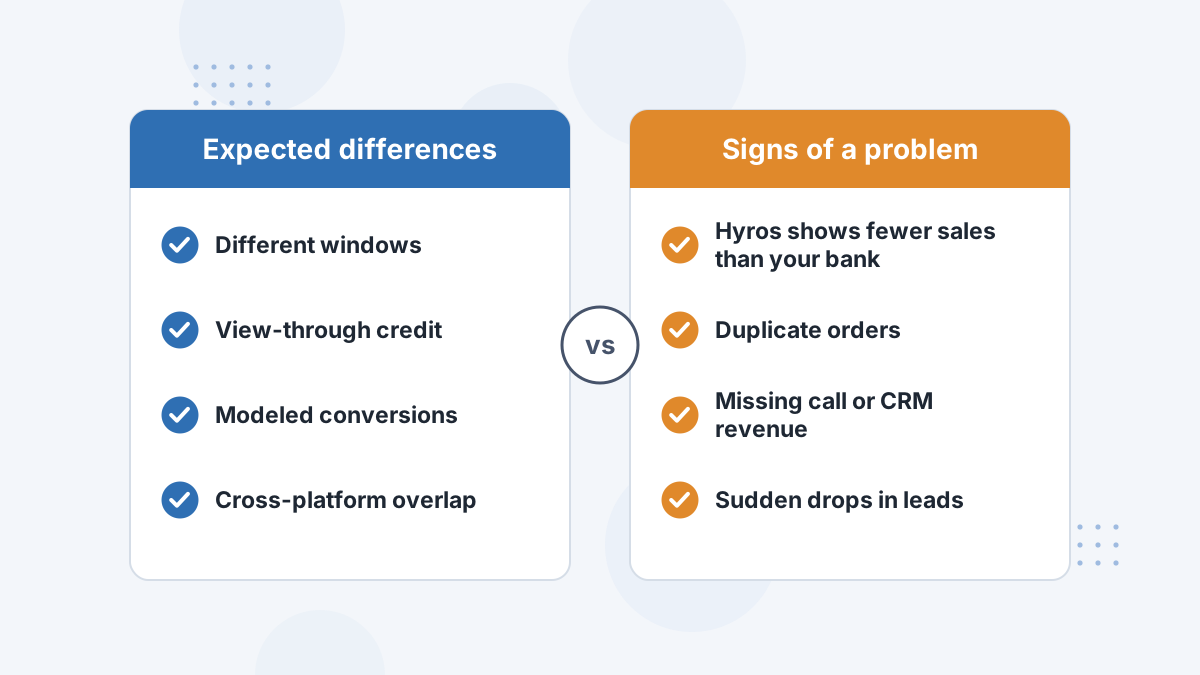
Expected: Hyros and the ad platforms count differently, so their numbers will differ, sometimes a lot, at campaign level.
Problem: Hyros's total revenue doesn't roughly match your real revenue, sales appear twice, or data drops suddenly. Those point to setup issues.
Why Hyros and Meta Differ
- Windows: Meta's 2026 default is 7-day click, 1-day engage-through and 1-day view; Hyros uses its own windows.
- View-through: Meta credits some people who only saw an ad. Hyros credits tracked touches.
- Modeling: Meta estimates conversions it can't observe since iOS changes.
- Overlap: Meta claims sales Google also claims; Hyros credits each sale once.
- Offline sales: Hyros sees calls and invoices Meta doesn't.
See Facebook attribution problems and Meta attribution settings.
Why Hyros and Shopify Differ
Hyros's documentation notes that discrepancies between Hyros and Shopify don't necessarily mean tracking is wrong. Common reasons include which order statuses count as sales, refunds, test orders, currency settings and channels such as POS or wholesale.
Check your sales status settings and currency first. See Shopify attribution reports.
Signs Something Is Broken
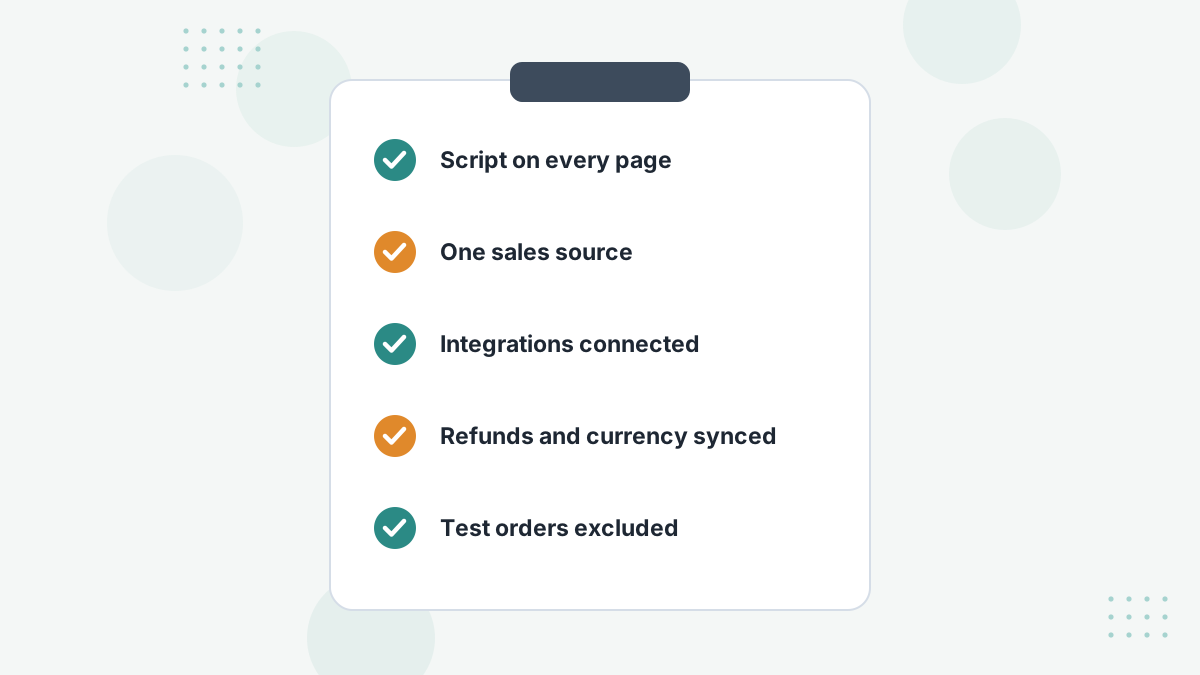
- Duplicate sales: two sales sources reporting the same orders, or a script firing twice.
- Missing sales: a disconnected integration or missing thank-you page code.
- Revenue mismatch: currency settings, unsynced refunds or test orders, per Hyros's troubleshooting guide.
- Unattributed sales: pages without the script or links without tracking.
Work through Hyros troubleshooting if you see these.
Which Number Should You Trust?
Trust the one that best matches reality. Check Hyros's total tracked revenue against your bank or processor for the same period. If it's close, and campaign-level results are consistent over time, use Hyros for budget decisions.
Keep platform numbers as a secondary signal: they still drive each platform's optimization, which is why sending Hyros conversions back to them matters. See AI ad optimization.
Hyros Data Discrepancy FAQs
Why does Hyros show fewer sales than Facebook?
Usually view-through credit, modeling and overlap on Meta's side. Hyros credits each tracked sale once.
Why does Hyros show more sales than Facebook?
Hyros sees cross-device purchases, calls and later sales that Meta's pixel missed.
Why doesn't Hyros match Shopify revenue?
Check order statuses, refunds, test orders, currency and non-online channels.
Is a discrepancy a bug?
Not necessarily. Check totals against real revenue to tell.
Get Numbers You Can Act On
Book a Hyros demo and see how its numbers reconcile with your real revenue.
Book a Hyros Demo