This guide follows the issues Hyros's own troubleshooting documentation covers, organized by symptom. Work through them in order; most problems are solved in the first two sections.
Tracking Script Problems
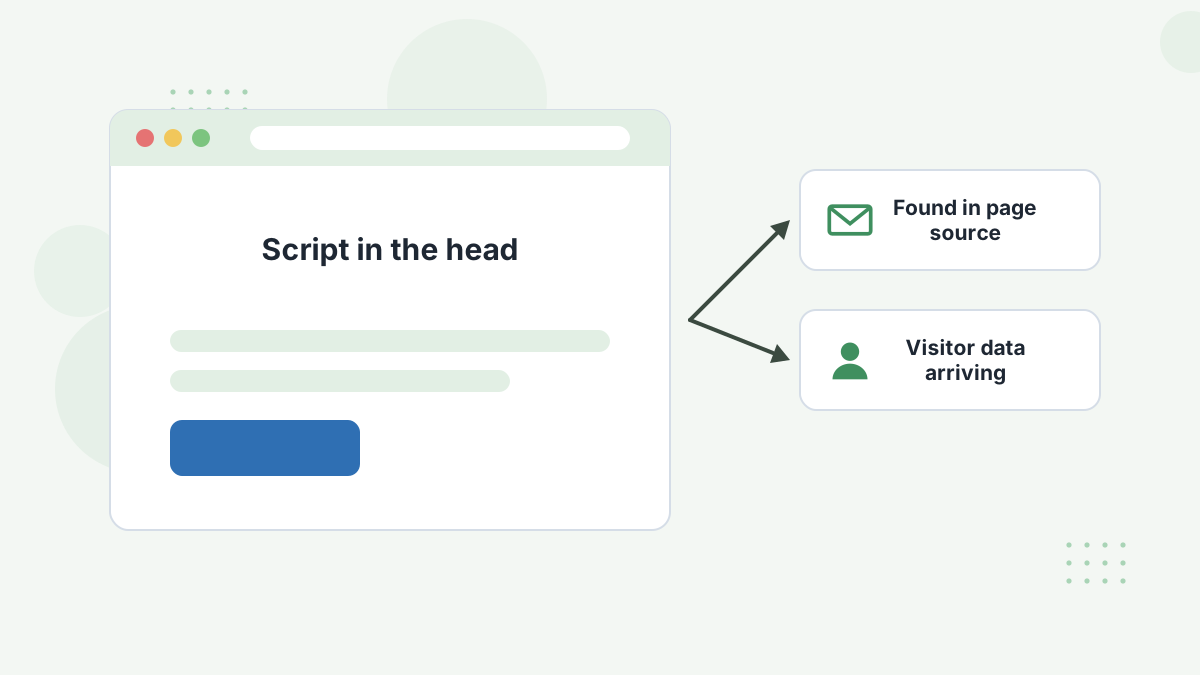
Symptom: no visitor data, or data from some pages only.
- Confirm the script is in the
<head>of every page and appears once. - Check the change was saved and published, then clear caches.
- Look for JavaScript errors that might stop it running.
- Remove duplicate copies of the code.
- If you suspect the wrong code, copy a fresh script from your Hyros account and confirm you're in the right account.
- Test in an incognito window.
Integration Won't Connect
- Make sure you're logged into both platforms with admin permissions.
- Allow popups for the OAuth window.
- Try another browser, disable ad blockers or clear cookies.
Connected but No Data
- Confirm there's actually traffic or sales to report.
- Check the right events are selected (for example, webhook events in ClickFunnels or Kajabi).
- Wait 15 to 30 minutes; delays are normal.
- Disconnect and reconnect the integration.
Missing or Duplicate Sales
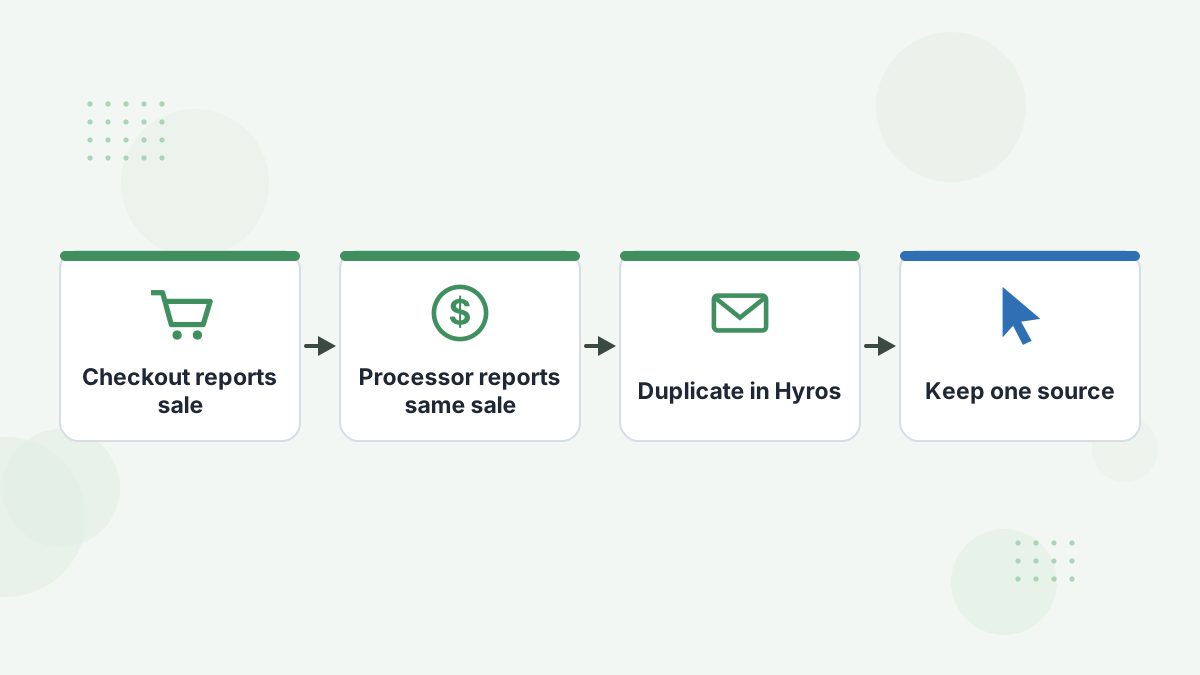
Missing orders usually mean missing thank-you page code, an inactive webhook or a disconnected integration.
Duplicate orders usually mean the code fires twice, or two sources (such as a checkout and Stripe, or a pixel and API) report the same sale. Keep one sales source per sale.
Revenue Doesn't Match
Hyros's guide lists currency mismatches, unsynced refunds and test orders as the common causes. Check each, and confirm which order statuses count as sales. See data discrepancies.
Ad Platform Issues
Facebook: check the pixel is firing, the Conversions API is configured and the Pixel ID is correct. See Facebook pixel not tracking.
Google Ads: check the conversion action exists, the customer ID is correct and auto-tagging is on. See Google Ads attribution.
Missing Source Data
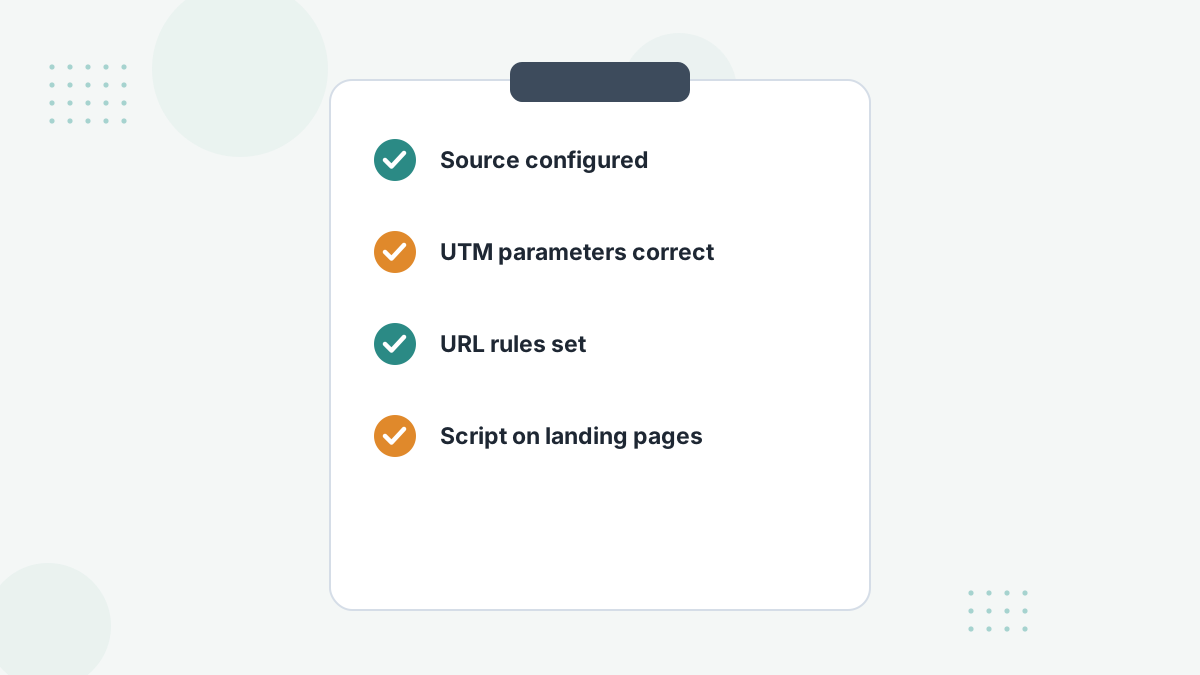
If sales show without a clear source, confirm the source is configured, UTM parameters are correct and URL rules are set. Pages without the script also create gaps. See UTM parameters.
Delayed Data
A 15 to 30 minute delay is normal. If it's longer, check integration status, rate limits and platform outages.
Hyros Troubleshooting FAQs
How long until data appears in Hyros?
Usually within 15 to 30 minutes for integrations; visitor data often within minutes.
Why are sales duplicated?
Two sources reporting the same sale, or a script firing twice.
Why isn't the script firing?
Placement, caching, JavaScript errors or duplicate code are the usual causes.
Who can help fix issues?
Hyros's setup team and analyst support are included in every plan.
Get Tracking You Can Rely On
Book a Hyros demo to see how setup and support keep your data clean.
Book a Hyros Demo