Reports are where Hyros earns its fee. The data is only useful if it changes what you do with budget and creative. Here's how to approach the reports that matter most.
The Core Reports
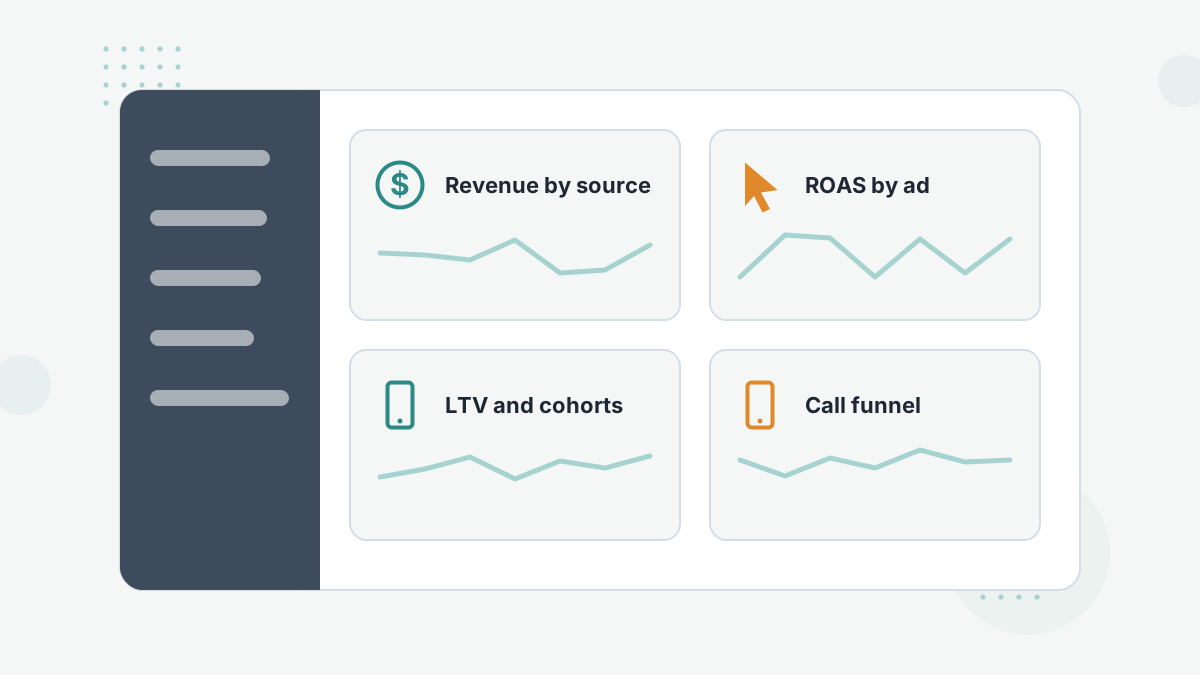
| Report | Question It Answers |
|---|---|
| Revenue by source and ad | Which platforms, campaigns and ads produce real revenue? |
| LTV and cohorts | Which sources win customers who keep paying? |
| Call funnel | Which ads produce bookings that show and close? |
| Creative report | Which creatives win over the long term? |
| Customer journeys | What path did buyers actually take? |
| Forecasting | What will this cohort likely be worth? |
Revenue and ROAS by Ad
Start here. Compare Hyros-tracked revenue with spend at campaign, ad set and ad level. The browser extension puts Hyros columns inside Meta and Google ad managers, so you can compare without switching tools.
Look for big gaps: ad sets the platform over-credits and ones it under-credits. Those are your first budget moves.
LTV and Cohort Reports
LTV reports show how much customers from each source are worth over time; cohort views (such as 30, 60 and 90 days) show how that value builds. Hyros also offers LTV-based revenue forecasting.
Use them to set realistic acquisition targets. If a source's buyers are worth twice the first order over 90 days, you can afford a higher upfront cost. See tracking LTV.
Call Funnel Reports
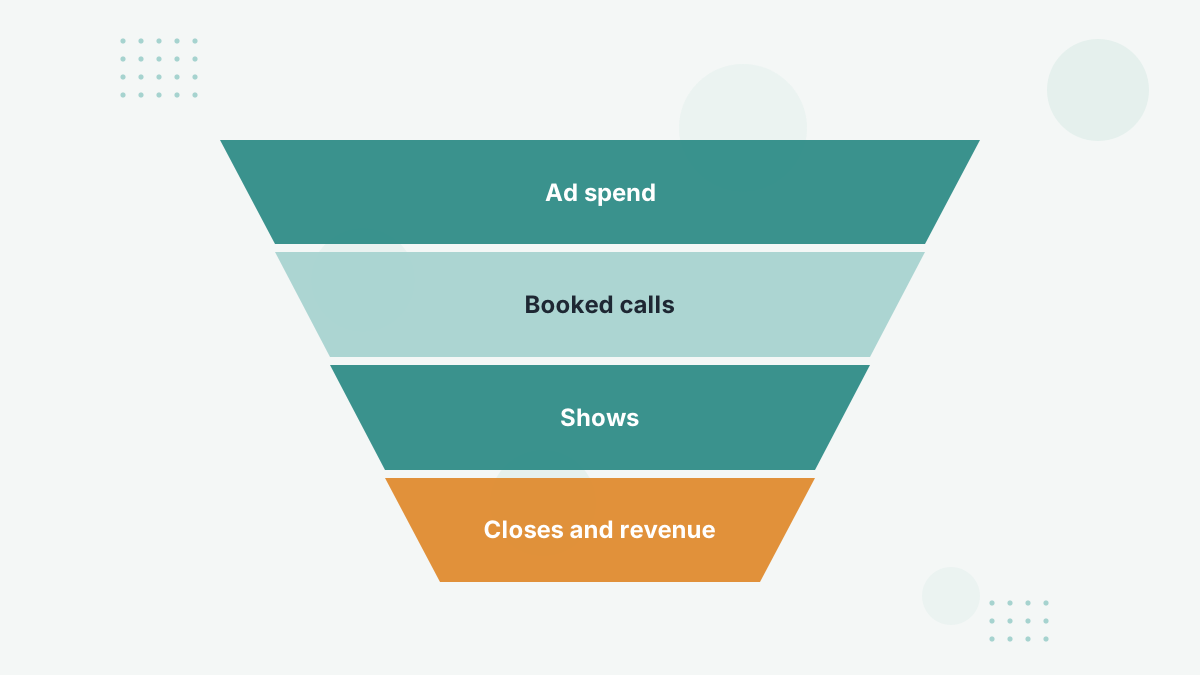
For call businesses, build a report board that follows spend to bookings, shows and closes by ad. The cheapest bookings often aren't the most profitable. See Hyros call tracking.
Creative Reports
Judge creatives on long-term revenue and downstream metrics, not just early ROAS. See Hyros creative reporting.
Customer Journeys
Hyros added in-report journeys so you can see the sequence of touches behind a sale. Reading a sample of journeys is the fastest way to understand how your funnel really works, and to explain discrepancies to your team.
A Weekly Reporting Routine
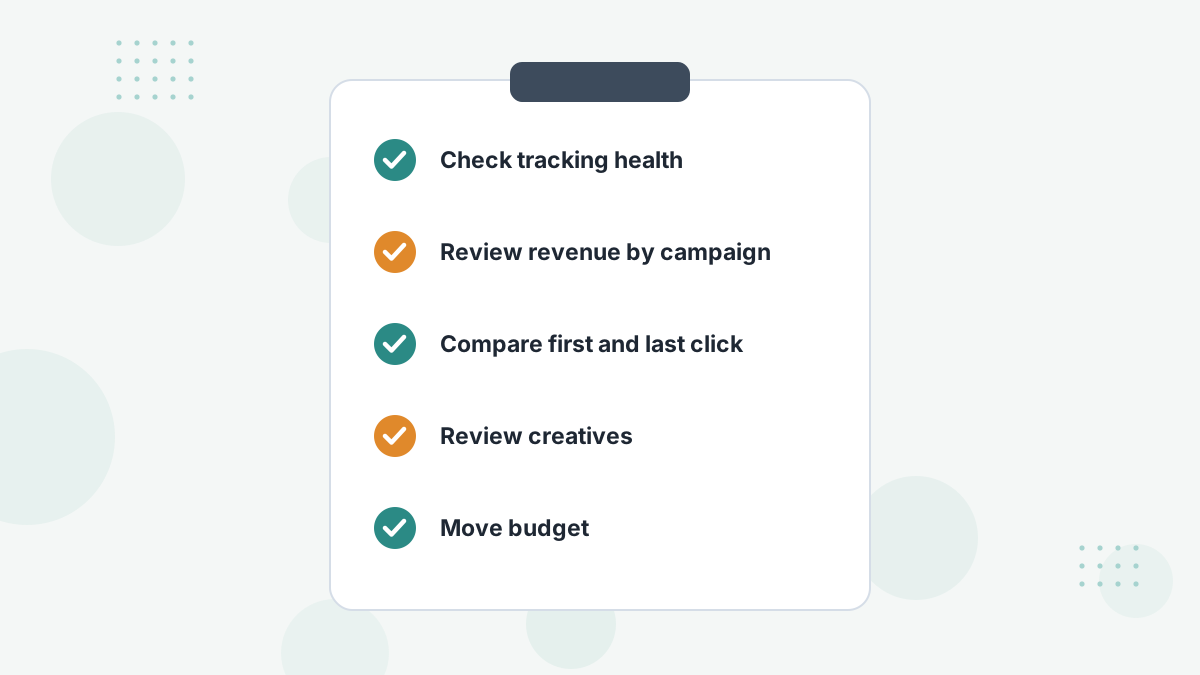
- Check tracking health: any drops in leads or sales that suggest a broken integration?
- Review revenue by campaign against spend.
- Compare first-click and last-click to judge prospecting and retargeting fairly.
- Review creatives that have had time to mature.
- Move budget and note what you changed.
See scaling ads with attribution data.
Hyros Reports FAQs
Can you see Hyros data in Ads Manager?
Yes, via Hyros's browser extension for Meta and Google ad managers.
Does Hyros forecast revenue?
Yes. Hyros added LTV-based revenue forecasting to its reports.
Which report should you check first?
Revenue and ROAS by campaign and ad, compared against spend.
Why don't reports match Meta?
Different tracking, windows and models. See our discrepancies guide.
Turn Reports Into Better Budget Decisions
Book a Hyros demo to see the reports that would matter most for your funnel.
Book a Hyros Demo