Many businesses already use CallRail for inbound call tracking. Hyros is designed to sit on top of call tracking systems like CallRail rather than replace them, adding ad-level attribution and revenue. Hyros lists CallRail as an integration (marked beta at the time of writing).
What the CallRail Integration Does
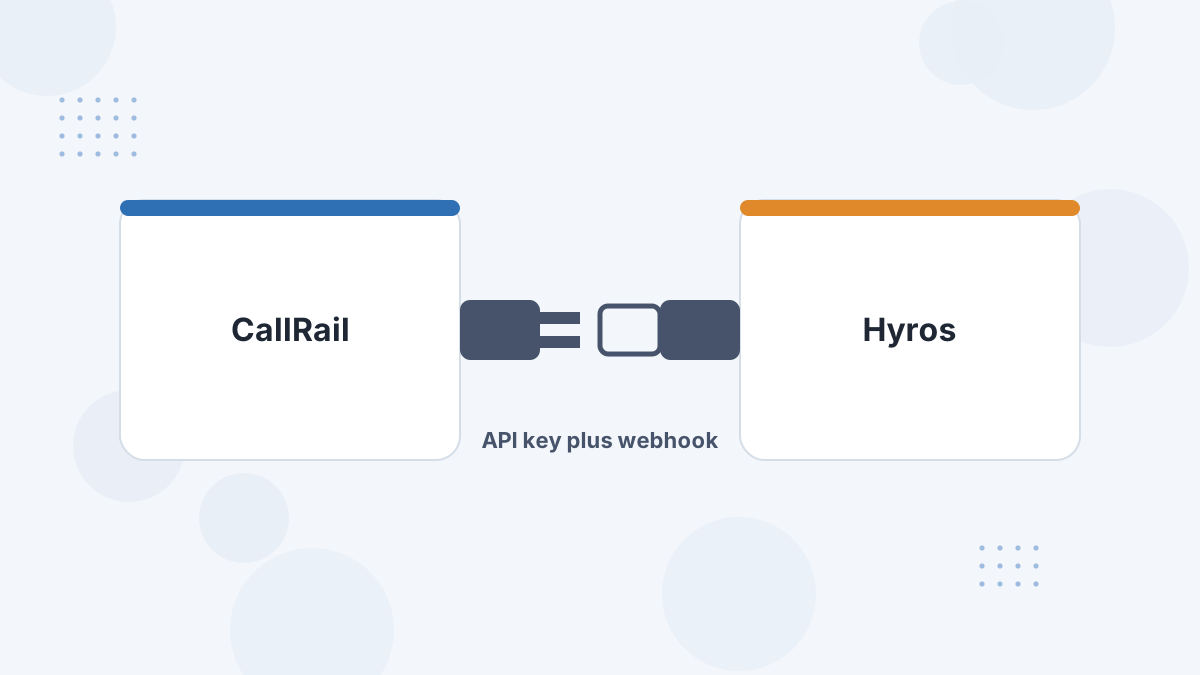
CallRail sends call events to Hyros: incoming calls, outgoing calls and completed calls. Hyros adds those calls to each lead's journey alongside their ad clicks, opt-ins and purchases.
What this means for you: instead of "Google Ads drove 40 calls", you can work toward "this campaign drove the calls that produced this much revenue", and send those outcomes back to the ad platforms.
What You Need Before You Start
- CallRail admin access and the CallRail company you want to connect.
- Your Hyros API key.
- The Hyros script already installed on your site.
Step-by-Step Setup
- Start the integration in Hyros. Open the integrations page and choose CallRail.
- Get a CallRail API key. In CallRail, go to Settings, then API Access, and create or copy a key.
- Enter the key in Hyros and select the correct CallRail company.
- Add a webhook in CallRail. Under Settings, then Webhooks, paste the URL Hyros provides.
- Subscribe to call events: Incoming Call, Outgoing Call and Call Completed.
- Confirm the connection shows as connected in Hyros.
What Gets Tracked
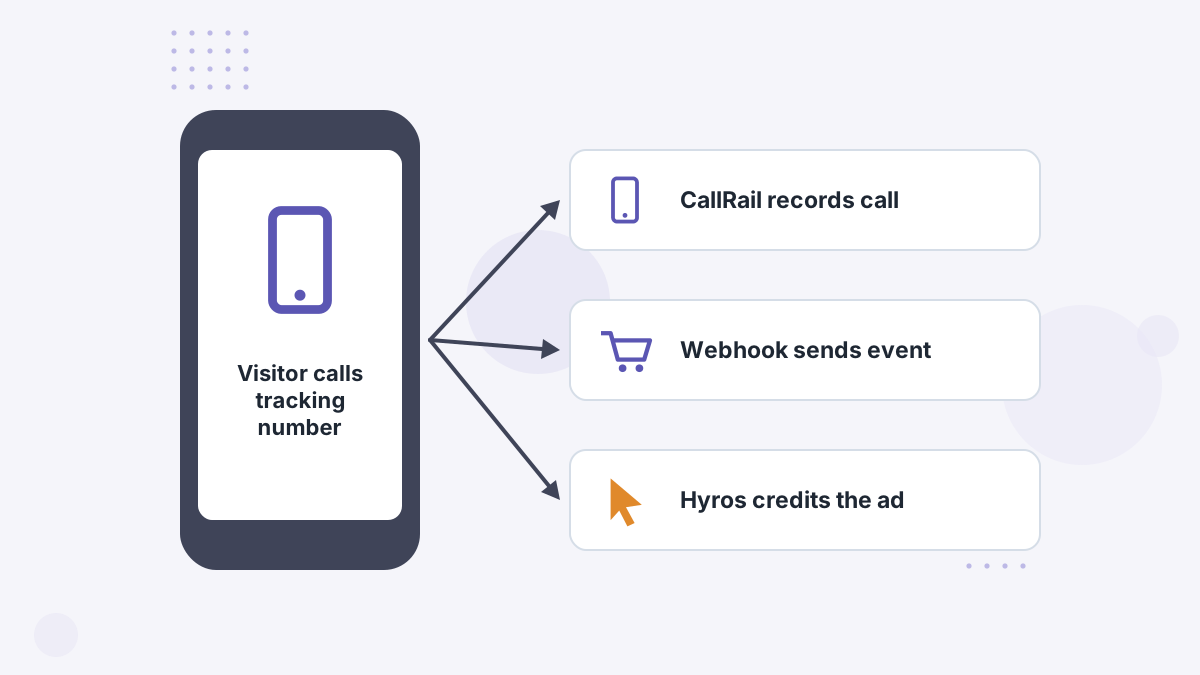
Hyros's CallRail guide covers incoming, outgoing and completed call events. Once calls are in Hyros, they join each lead's journey, and later sales or closes recorded through your CRM or processor can be tied back to the same ad.
For booked-call funnels rather than inbound rings, connect your scheduler too. See Hyros Calendly integration.
Testing Your Setup
- Place a test call through one of your CallRail tracking numbers.
- Check Hyros for the call event.
- If nothing appears, confirm the webhook is active and subscribed to the right events.
Common Problems and Fixes
- Connection fails: the API key wasn't copied in full.
- No call events: the webhook isn't active or isn't subscribed to the call events.
- Calls from the wrong account: the wrong CallRail company is selected.
More in Hyros troubleshooting.
Hyros CallRail FAQs
Does Hyros replace CallRail?
No. Hyros sits on top of CallRail, adding ad attribution and revenue to the calls CallRail tracks.
Which CallRail events does Hyros use?
Incoming Call, Outgoing Call and Call Completed, via webhook.
Is the CallRail integration in beta?
Hyros's integrations page listed it as beta at the time of writing.
Can call outcomes be sent to Google Ads?
Hyros can send offline conversions to Google Ads once calls and closes are matched.
Turn Calls Into Ad-Level Revenue Data
Book a Hyros demo to see your CallRail calls attributed to the ads behind them.
Book a Hyros Demo