Kajabi is an all-in-one course platform, which is convenient but makes tracking a little fiddly: your pages, checkout and payments all need to report to Hyros. Here's how to connect them, based on Hyros's documentation.
What the Kajabi Integration Does
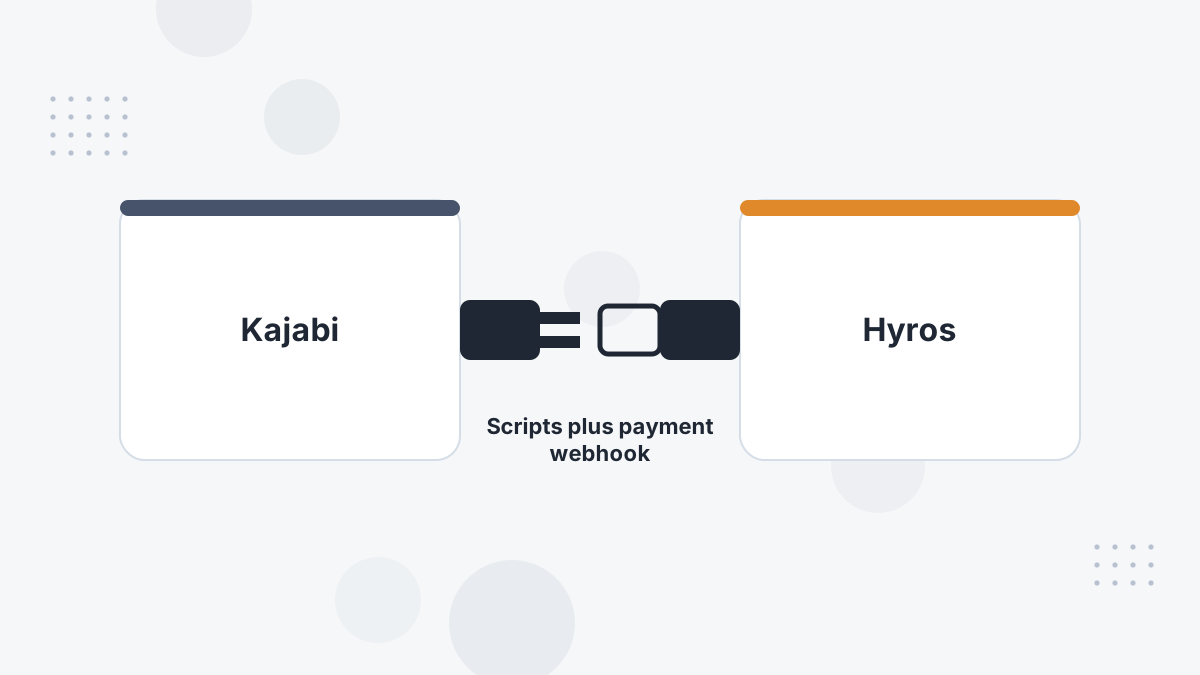
The Hyros script on your Kajabi site and checkout records visits and identifies buyers. A Kajabi webhook sends each successful payment to Hyros. Hyros then matches the payment to the buyer's journey and credits the ads involved.
The result is revenue by ad for your courses and offers, including buyers who first clicked weeks earlier.
What You Need Before You Start
- Kajabi admin access.
- Your Hyros universal tracking script.
- Access to Hyros's Integrations settings.
Step-by-Step Setup
- Add the script to site pages. In Kajabi, go to Settings, then Site Details, then Page Scripts, and paste the Hyros script into the Header Page Scripts field.
- Add the script to checkout. In Settings, then Checkout, use Add Header Tracking Code in the Checkout Tracking area to paste the same script.
- Connect Kajabi in Hyros. Go to Settings, then Integrations, then Kajabi, and connect.
- Get the webhook. In the Kajabi integration's Actions, open Settings and click Get Webhook to copy the URL.
- Create the webhook in Kajabi. In Settings, then Integrations and Webhooks, create a webhook for the Payment Succeeded event and paste the Hyros URL.
What Gets Tracked
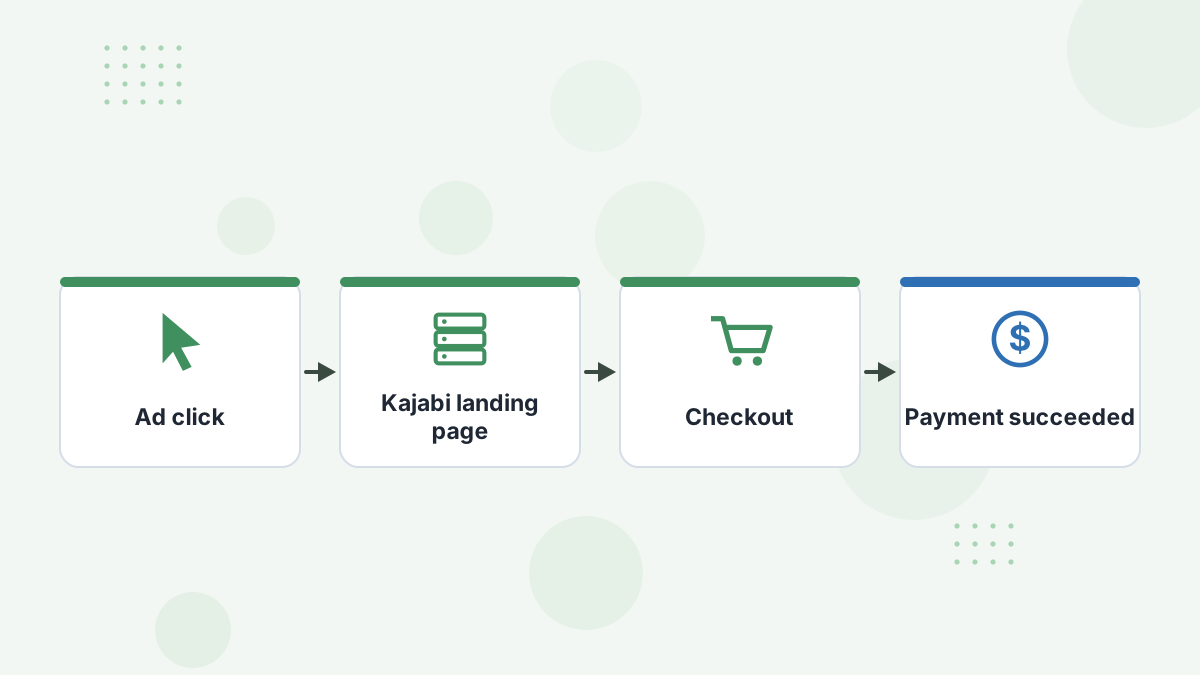
Hyros's Kajabi guide specifies the Payment Succeeded event, which covers completed payments. Combined with the scripts, that gives Hyros the visitor journey plus every successful payment.
If you also run webinars or calls outside Kajabi, connect those tools so the full journey is visible. See Hyros for coaches.
Testing Your Setup
- View your Kajabi page source and confirm the Hyros script is present.
- Go through checkout as a test buyer and complete a payment.
- Confirm the sale appears in Hyros against your test lead.
Hyros's troubleshooting tips for Kajabi: confirm the script is in both Site Details and Checkout Tracking, clear your cache, and double-check the webhook event and copied URL.
Common Problems and Fixes
- Sales missing: the webhook event isn't Payment Succeeded, or the URL was copied incompletely.
- Visitors tracked but sales unmatched: the checkout script is missing.
- Duplicate sales: another processor is also reporting the same payments; keep one sales source.
See Hyros troubleshooting for more.
Hyros Kajabi FAQs
Does Hyros integrate with Kajabi?
Yes. Kajabi is a native integration using scripts plus a Payment Succeeded webhook.
Where does the script go in Kajabi?
In Header Page Scripts under Site Details, and in Checkout Tracking under Checkout settings.
Can Hyros track Kajabi webinars?
Hyros tracks visits and payments in Kajabi; connect any external webinar tool for registration data.
Can you also use Zapier with Kajabi?
Zapier offers Kajabi-to-Hyros automations, but use the native integration for sales to avoid duplicates.
See Which Ads Create Your Kajabi Students
Book a Hyros demo and see your course revenue attributed to the campaigns behind it.
Book a Hyros Demo