HubSpot is a common CRM for B2B teams, agencies and high-ticket coaches. Hyros integrates with it so deals closed in your CRM can be tied back to the campaigns that produced them. Hyros documents separate guides for HubSpot sales, forms and meetings.
What the HubSpot Integration Does
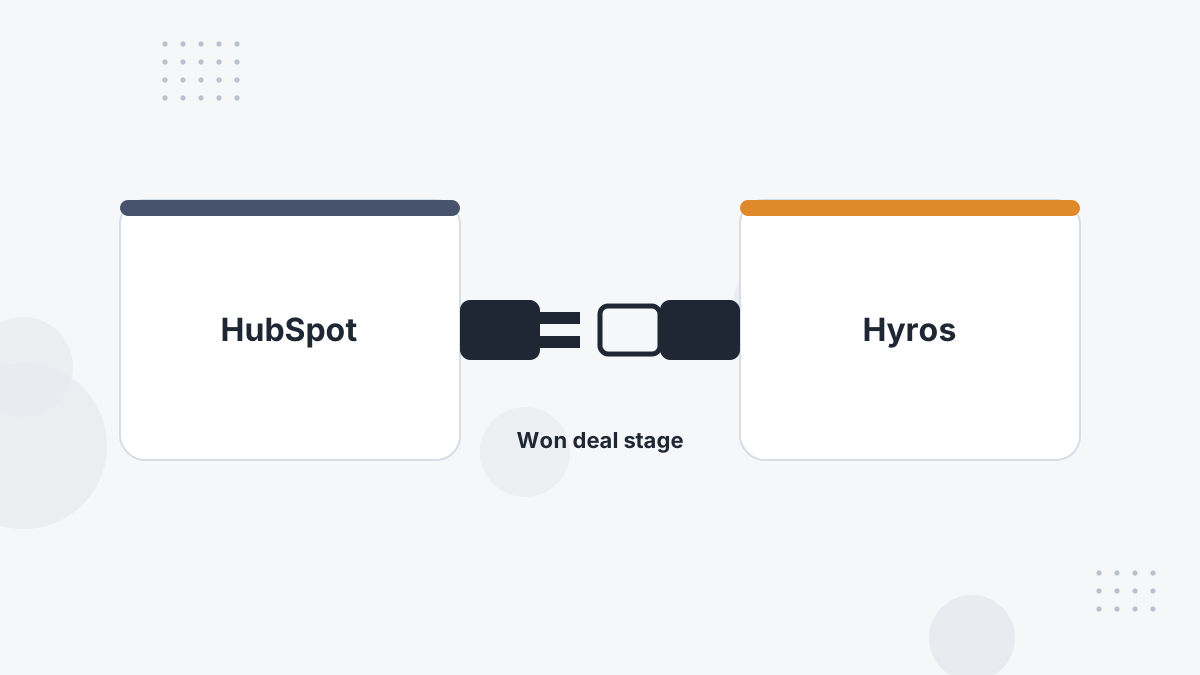
The Hyros script on your HubSpot-hosted pages records visitors, and the CRM integration tells Hyros when deals reach your "Won" stage. Hyros then credits that revenue to the contact's original ad and later touches.
What this means for you: instead of judging LinkedIn or Meta on form fills, you can judge them on closed revenue.
What You Need Before You Start
- HubSpot admin access.
- Your Hyros universal tracking script.
- A clear "Won" deal stage in your HubSpot pipeline.
Step-by-Step Setup
- Add the tracking script. In HubSpot, go to Content Settings for Pages and add the Hyros script to the Site Header HTML, choose your domain settings and save.
- Create the integration in Hyros. Go to Settings, then Integrations, and create and edit the HubSpot integration.
- Configure the Won deal stage. This is required: without it, Hyros won't process sales from HubSpot.
- Optionally blacklist products you don't want counted as sales.
- Set up forms and meetings using Hyros's separate HubSpot Forms and HubSpot Meetings guides if you use them.
What Gets Tracked
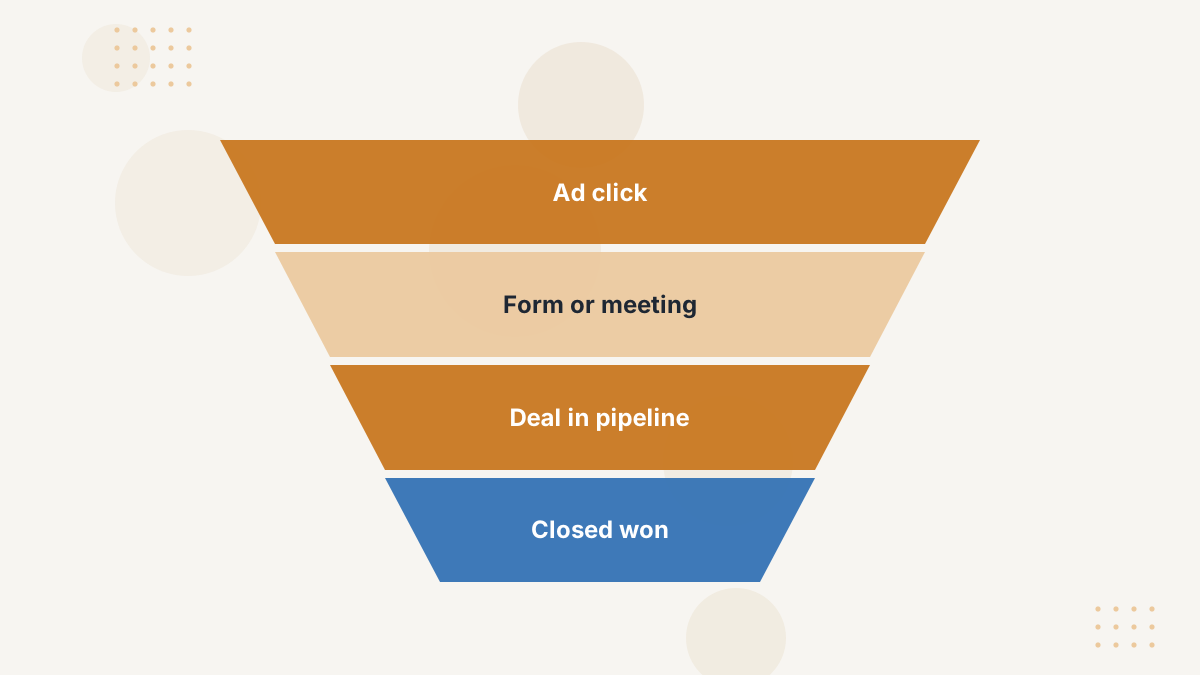
With the Won stage configured, closed deals are processed as sales and attributed to the contact's journey. Forms and meetings, set up through their own guides, add lead capture and booked meetings to that journey.
That gives B2B teams cost per qualified meeting and revenue by campaign. See Hyros for SaaS and B2B.
Testing Your Setup
- Confirm the script appears on your HubSpot pages.
- Submit a test form and check the lead appears in Hyros.
- Move a test deal to Won and confirm the sale is processed.
Common Problems and Fixes
- No sales from HubSpot: the Won deal stage isn't configured.
- Unwanted sales: add those products to the blacklist.
- Leads missing: check the script on HubSpot pages and the forms setup.
- Duplicate revenue: if a processor also reports the same deals, keep one sales source.
Hyros HubSpot FAQs
Does Hyros integrate with HubSpot?
Yes, with guides for HubSpot sales, forms and meetings.
Why is the Won stage required?
Hyros uses it to know when a deal becomes a sale. Without it, no HubSpot sales are processed.
Can Hyros track HubSpot meetings?
Yes, through the separate HubSpot Meetings setup.
Can closed deals be sent to ad platforms?
Yes. Hyros can feed matched sales back to Meta, Google and TikTok.
Credit Closed Deals to the Right Campaigns
Book a Hyros demo to see HubSpot revenue attributed to your ads.
Book a Hyros Demo