Google Ads attribution feeds directly into Smart Bidding. If conversions are missing, duplicated or credited oddly, your bids follow. That makes getting the basics right unusually valuable.
How Google Ads Attribution Works
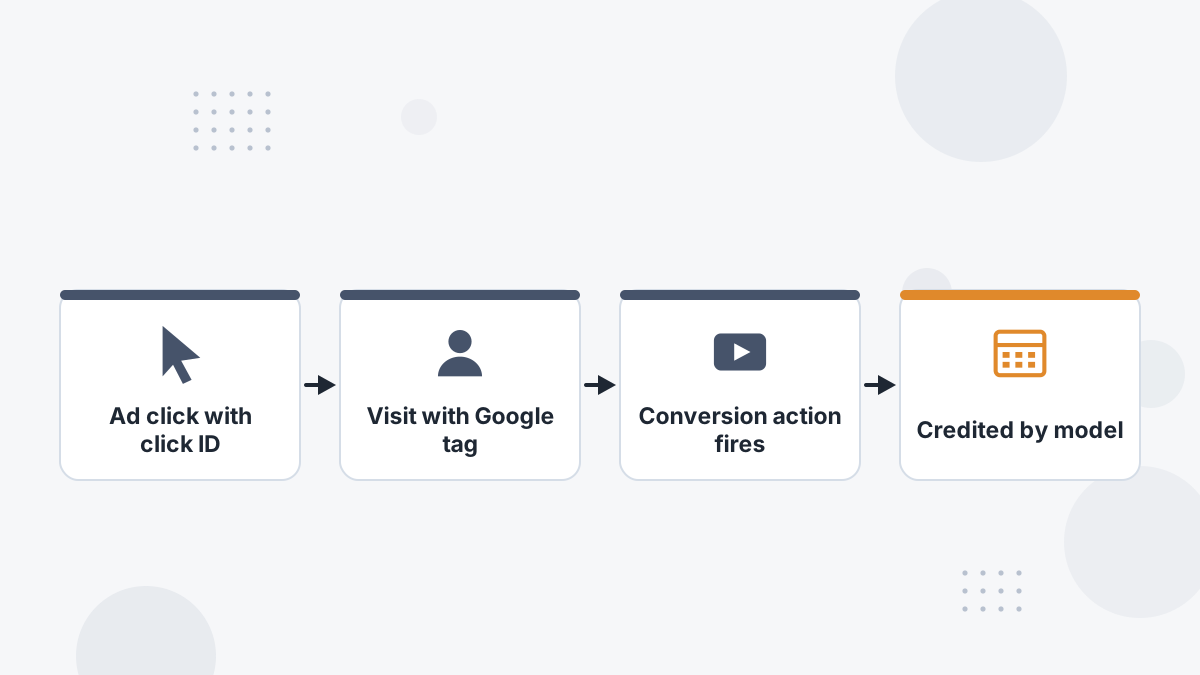
When someone clicks a Google ad, auto-tagging adds a click identifier to the landing page URL. The Google tag stores it, and when a conversion action fires, Google credits the conversion to the click based on your attribution model and conversion window.
Each conversion action has its own settings, so different conversions in the same account can follow different rules.
Attribution Models in Google Ads
Google Ads uses data-driven attribution as its standard model, distributing credit across ad interactions based on your account's data, with last click available as an alternative. Data-driven models need enough conversion data to work well.
See data-driven attribution for how this works and its limits.
Conversion Action Settings to Check
| Setting | Why It Matters |
|---|---|
| Primary vs secondary | Only primary actions feed bidding; micro-conversions set as primary dilute the signal |
| Count (one vs every) | Leads usually count once; purchases count every |
| Click-through window | Should match your buying cycle |
| Value | Real values let bidding favor high-value buyers |
| Attribution model | Data-driven or last click |
Common Google Ads Attribution Problems
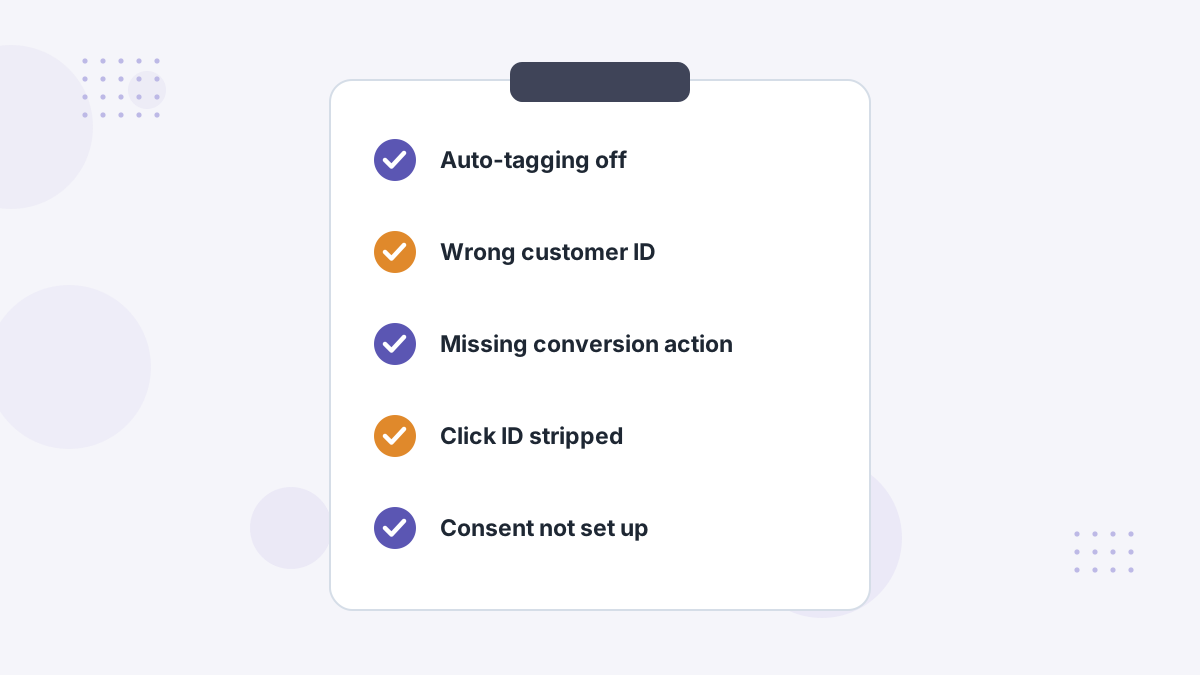
- Auto-tagging disabled, so clicks lose their identifier.
- Redirects or forms dropping the click ID before the conversion page.
- Wrong conversion action or customer ID in integrations, a cause Hyros's troubleshooting guide also lists.
- Privacy features removing click IDs in some Apple contexts. See iOS tracking changes.
- Consent gaps in regions requiring Consent Mode. See consent and tracking.
- Offline sales never imported, so bidding optimizes for leads, not revenue.
Improving Google Ads Attribution
- Turn on auto-tagging and test that click IDs survive to the conversion page.
- Clean up conversion actions: one primary action per real goal.
- Enable enhanced conversions to match hashed customer data. See enhanced conversions.
- Import offline conversions for calls and closed deals. See offline conversions.
- Implement Consent Mode v2 where required.
- Compare against real revenue with an independent view.
Google Ads vs Other Platforms
Google, like Meta, credits itself for any sale it touched within its window. If a buyer clicked both a Google and a Meta ad, both may claim the sale. An independent attribution tool de-duplicates across platforms. See ad attribution.
Google Ads Attribution FAQs
What attribution model does Google Ads use?
Data-driven attribution is the standard model, with last click available.
Why are Google Ads conversions missing?
Commonly auto-tagging, lost click IDs, consent gaps or misconfigured conversion actions.
Should micro-conversions be primary?
Usually not; they dilute the bidding signal. Keep them secondary.
How do you track calls from Google Ads?
Use call conversions or import offline conversions from your CRM.
See Google Ads Judged on Real Revenue
Book a Hyros demo to compare Google's reported conversions with matched sales.
Book a Hyros Demo