When cookies and click IDs fail, Google can still match a conversion to an ad click if it knows who converted. Enhanced conversions provide that by sending hashed first-party data, like email, with each conversion.
What Enhanced Conversions Do
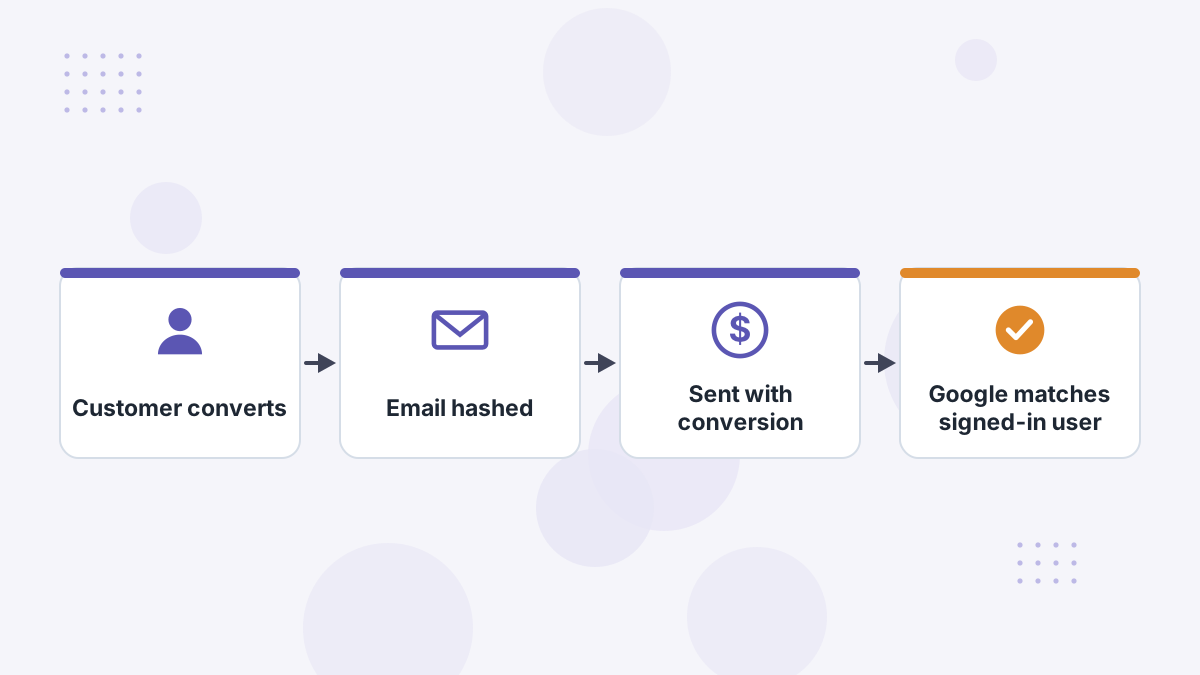
When someone converts, your tag or upload includes hashed customer data such as email, phone or address. Google matches it against signed-in Google accounts to attribute the conversion to the ad interaction, even when the click ID was lost.
What this means for you: more conversions recorded, better data for Smart Bidding, and less dependence on cookies.
The 2026 Change: One Unified Setting
Historically, Google had separate features: enhanced conversions for web (on-site conversions) and enhanced conversions for leads (offline conversions from your CRM). In 2026 Google combined them into a single on/off setting in Google Ads, rolled out between roughly April and June.
Coverage of the change notes the account can now accept data from the Google tag, Data Manager and the API at the same time. Practically, the distinction now lives in how data reaches Google rather than in separate settings.
Setup Methods
| Method | Best For |
|---|---|
| Google tag | Simple sites where customer data is available on the conversion page |
| Google Tag Manager | Custom data mapping and triggers |
| API or Data Manager | CRM-based lead outcomes and offline sales |
| Platform integrations | Stores using native Google apps |
Basic Setup Steps
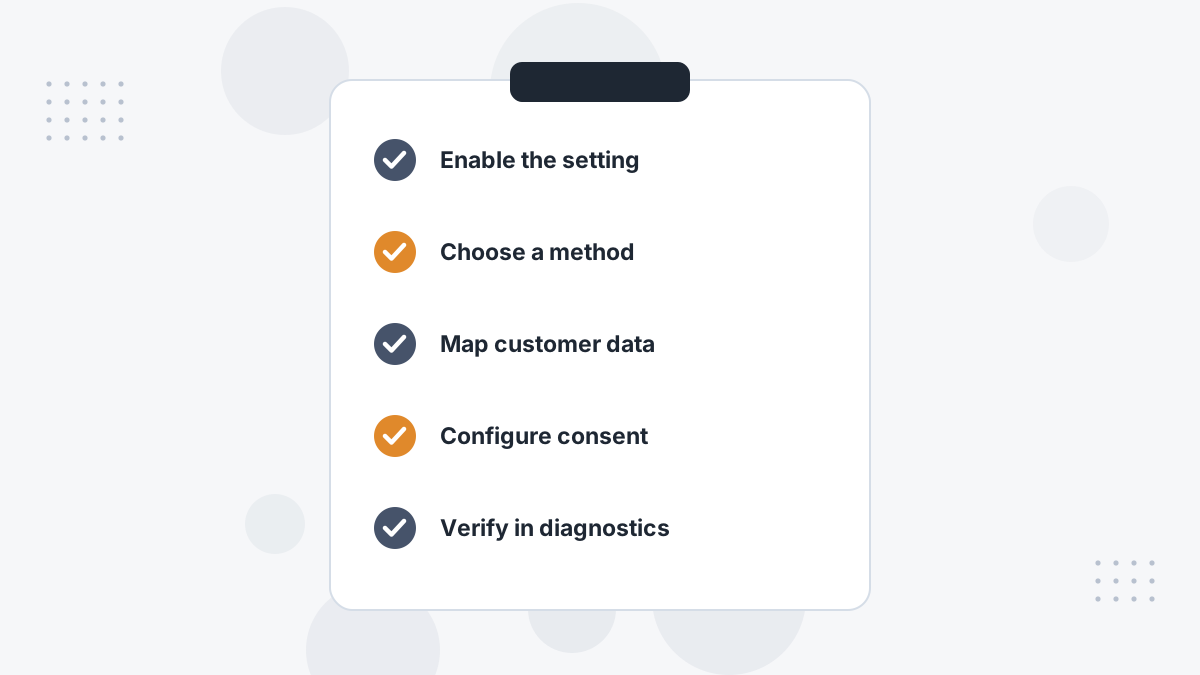
- Turn on enhanced conversions in Google Ads conversion settings and accept the terms.
- Choose your method: Google tag, Tag Manager or API/Data Manager.
- Make sure customer data exists where the conversion happens; a form that collects only a name gives nothing to hash.
- Map fields such as email and phone.
- Configure Consent Mode v2 where required.
- Verify in Google Ads diagnostics and with Tag Assistant.
Consent Mode v2 and Enhanced Conversions
Enhanced conversions and Consent Mode solve different problems and work together. Enhanced conversions improve matching; Consent Mode controls when data may flow. In the EEA, enhanced conversions only run when users grant consent for ad user data and personalization.
See cookie consent and ad tracking.
Enhanced Conversions vs Offline Imports
Enhanced conversions improve matching of conversions you already send. Offline conversion imports bring in conversions that happen later, such as a deal closing in your CRM. Many B2B and call businesses need both. See Google offline conversions.
Google Enhanced Conversions FAQs
Are web and leads still separate?
No. In 2026 Google merged them into one on/off setting.
What data do enhanced conversions use?
Hashed first-party data such as email, phone and address.
Do you need Consent Mode v2?
For EEA traffic, yes; enhanced conversions depend on the relevant consent signals.
Do enhanced conversions replace offline imports?
No. They improve matching; offline imports add later conversions.
Help Google Optimize on Real Buyers
Book a Hyros demo to see matched conversions sent back to Google Ads.
Book a Hyros Demo