For lead-generation and high-ticket businesses, the most valuable conversion happens long after the click and far from the website. Offline conversions bring that conversion back into Google Ads.
What Offline Conversion Tracking Is
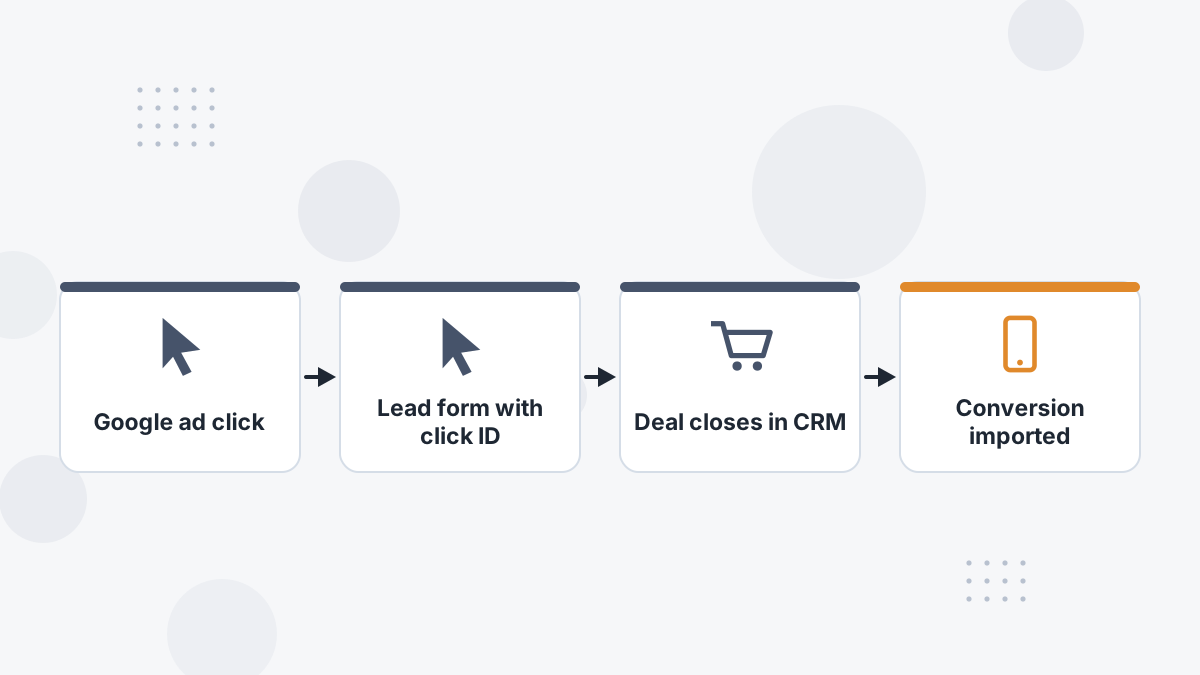
Offline conversion tracking connects a sale or qualified outcome recorded outside the website, in your CRM or sales process, back to the Google ad click that produced the lead. You upload or send those outcomes to Google Ads as conversions.
What this means for you: Smart Bidding can learn which searches and audiences produce revenue, not just leads.
How It Works
- Capture the click ID (from auto-tagging) when the lead submits a form, and store it with the lead in your CRM.
- Track the lead's progress through your pipeline: qualified, opportunity, won.
- Send outcomes to Google with the click ID or hashed customer data, plus value and time.
- Use the imported action for bidding once volume allows.
Hashed customer data via enhanced conversions improves matching when click IDs are missing. See enhanced conversions.
Which Outcomes to Import
| Outcome | Volume | Signal Quality |
|---|---|---|
| Qualified lead | Higher | Good |
| Booked or attended call | Medium | Better |
| Opportunity | Lower | Strong |
| Closed-won with value | Lowest | Best |
Optimize on the deepest outcome with enough volume for bidding to learn, and send values so Google can favor bigger deals.
Timing Matters
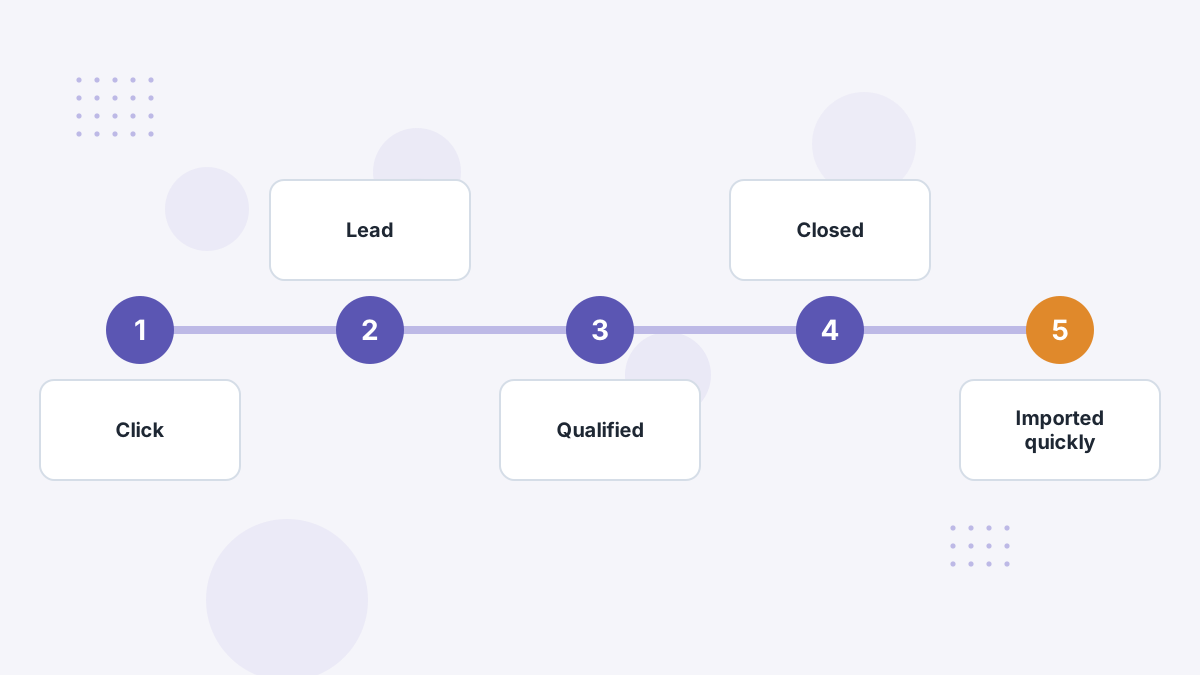
Google needs conversions associated with clicks within your conversion window. Send outcomes promptly and regularly, not in occasional bulk uploads months later.
Automated syncing from your CRM or an attribution tool is more reliable than manual CSV uploads.
Common Mistakes
- Not capturing the click ID at form submission.
- Importing outcomes too late for the conversion window.
- Importing low-quality stages as primary and diluting bidding.
- Duplicating conversions by importing the same outcome from two sources.
Using an Attribution Tool
Tools like Hyros match closes and calls to the original ad and send them to Google as offline conversions automatically. That removes manual uploads and catches journeys that started on other platforms. See Hyros AI ad optimization and call tracking.
Google Offline Conversion FAQs
What is GCLID?
Google's click identifier added by auto-tagging; storing it with the lead enables offline imports.
Can you import calls?
Yes. Calls and closes recorded in your CRM can be imported as conversions.
How often should you upload?
Regularly and promptly; automated daily syncs are ideal.
Do you still need enhanced conversions?
They help match outcomes when click IDs are missing.
Teach Google Which Leads Become Customers
Book a Hyros demo to see closes and calls synced to Google Ads automatically.
Book a Hyros Demo