Shopify is the source of truth for how many orders you got. It's not automatically the source of truth for which ads produced them. Its marketing reports are useful, as long as you know how they assign credit.
How Shopify Attributes Orders
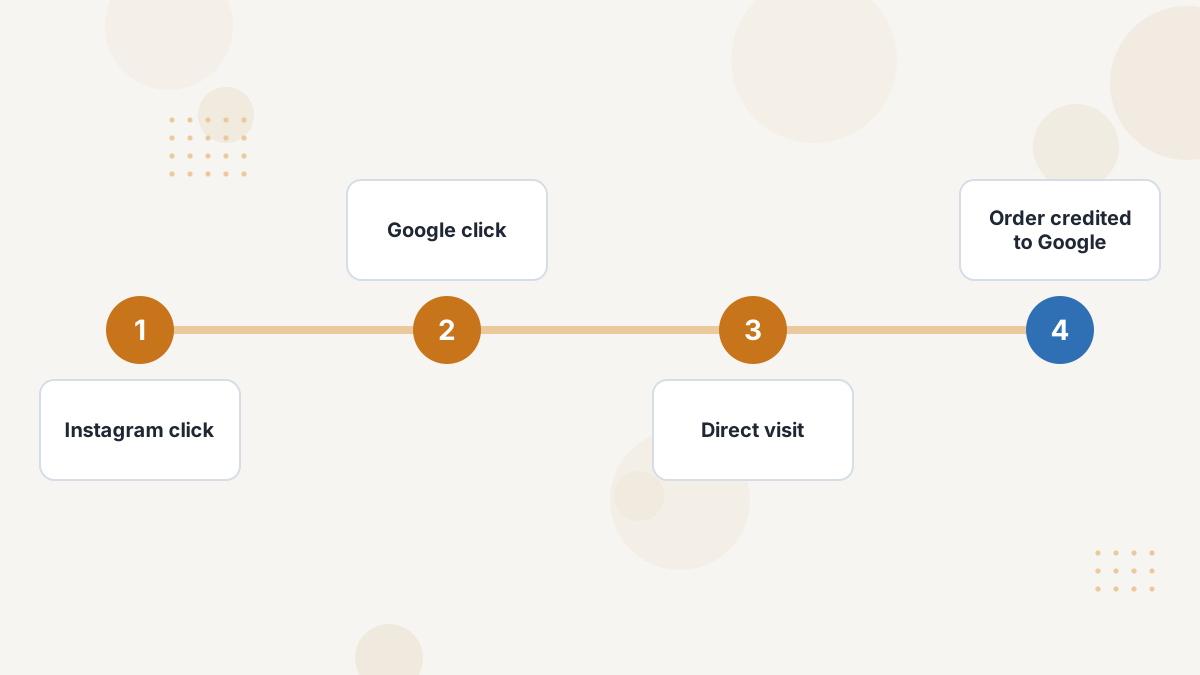
Shopify's marketing reports use last non-direct click by default: the last marketing channel before the purchase, ignoring direct visits, within a 30-day lookback.
Channels are built from your UTM parameters and data from connected marketing apps. That's why consistent tagging matters so much. See UTM parameters.
The Five Shopify Attribution Models
| Model | How It Credits | Use It To |
|---|---|---|
| Last non-direct click (default) | Last marketing channel, skipping direct | Run weekly reporting |
| Last click | Last channel, including direct | See what immediately preceded orders |
| First click | First channel in the journey | Find what introduces buyers |
| Linear | Equal credit to each channel | Read longer journeys |
| Any click | Full credit to every clicked channel | Reconcile with platform claims |
Model switching availability depends on your Shopify plan and report, and different Shopify surfaces can use different defaults, so check which model a report uses before comparing numbers.
Why Shopify Disagrees With Meta and GA4
- No view-through: every Shopify model is click-based. Meta's default includes views and engagements, so Meta claims orders Shopify credits elsewhere.
- Cross-device gaps: Shopify can't recognize the same shopper across devices without a login.
- In-app browsers can strip or obscure referral data from social apps.
- Different windows and models from GA4's data-driven default.
See Facebook attribution problems and GA4 attribution.
Getting More From Shopify's Reports
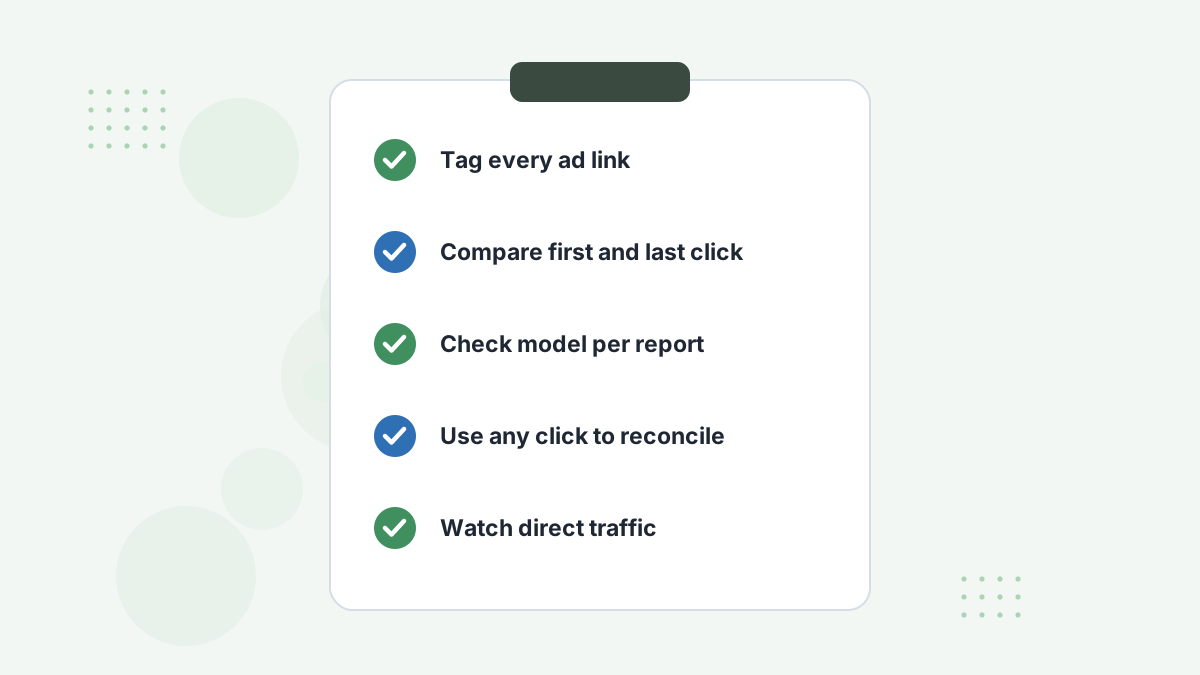
- Tag every ad and email link with consistent UTMs.
- Compare first click and last non-direct click to see openers vs closers.
- Use any click to see how many orders each platform could plausibly claim.
- Check the model on every report before comparing.
- Watch direct traffic: a high share often hides cross-device ad influence.
When Shopify's Reports Aren't Enough
Shopify's reports are a strong free baseline. You'll want more when you spend across several platforms, see lots of direct and cross-device traffic, or sell subscriptions and offers outside the store. See Hyros for Shopify and best attribution software for Shopify.
Shopify Attribution FAQs
What attribution model does Shopify use?
Last non-direct click by default, with a 30-day lookback.
Does Shopify count view-through conversions?
No. All Shopify attribution models are click-based.
Why does Meta show more sales than Shopify?
Meta counts views and engagements and can't see other channels; Shopify credits one click-based channel per order.
Can you change Shopify's lookback window?
Coverage of Shopify's reports indicates the 30-day lookback isn't adjustable.
Attribute Your Shopify Orders Across Every Platform
Book a Hyros demo to see orders credited by identity, across devices and ad platforms.
Book a Hyros Demo