Meta's attribution setting decides two things: which conversions are reported as results, and what the algorithm optimizes toward. Changing it changes both your numbers and your delivery.
The 2026 Default Setting
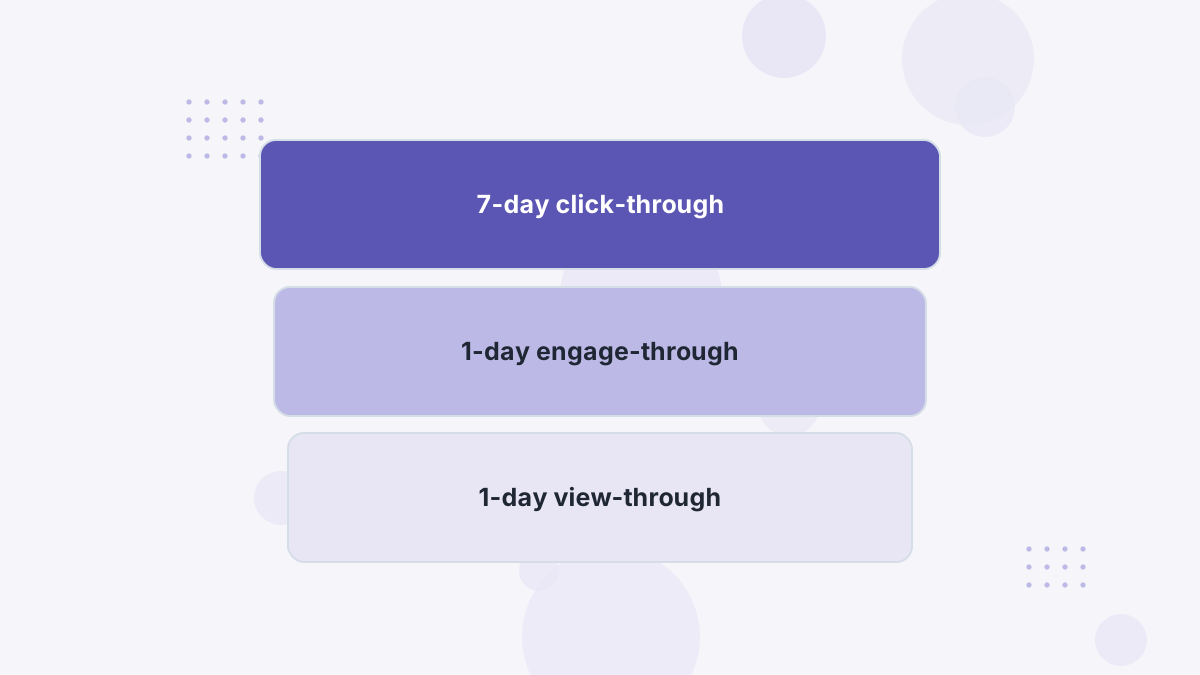
For ad sets optimizing toward website conversions, the default attribution setting in 2026 is 7-day click-through, 1-day engage-through and 1-day view-through, according to industry coverage of Meta's update.
- Click-through: a conversion within 7 days (or 1 day, if you choose) of a link click. Meta now requires an actual link click here, not likes or shares.
- Engage-through: a conversion within 1 day of an engagement short of a link click, such as a video watch. It replaced Meta's older engaged-view attribution.
- View-through: a conversion within 1 day of seeing the ad without clicking.
The Removed View Windows
On January 12, 2026, Meta removed the 7-day view and 28-day view windows from its Ads Insights API. Windows that remain include 1-day, 7-day and 28-day click, 1-day engaged view and 1-day view.
What this means for you: historical reports using 7-day or 28-day view won't be comparable with today's. If you relied on those windows to justify upper-funnel spend, you'll need other evidence, such as independent attribution or incrementality tests.
Click-Only vs the Default
| Setting | What It Counts | Good For |
|---|---|---|
| 7-day click, engage-through, 1-day view (default) | Clicks, engagements and views | Video-heavy and broad prospecting |
| 7-day click only | Link clicks within 7 days | Stricter reporting for considered purchases |
| 1-day click only | Link clicks within 1 day | Impulse products and tight validation |
Comparing a click-only view with the default shows how much of Meta's reported performance depends on views and engagements. A big gap is a signal to verify with real revenue.
How the Setting Affects Delivery
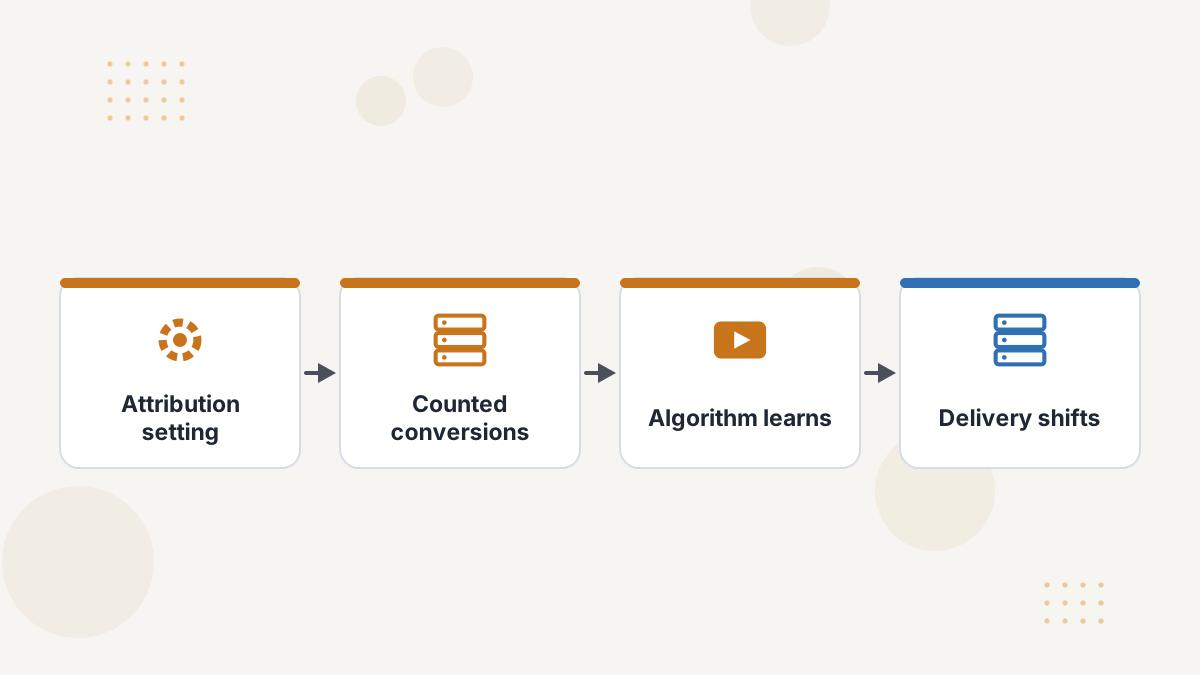
The setting isn't just a reporting filter. Meta optimizes toward conversions that fit the window. A setting that counts views will steer delivery toward people likely to convert after seeing an ad, which can include people already planning to buy.
Changing the setting can therefore change who sees your ads. Test changes on a subset of campaigns first.
Which Setting Should You Use?
- Ecommerce, short cycles: the default is reasonable; check click-only to see view-through dependence.
- Retargeting: be skeptical of view and engagement credit; compare click-only.
- High-ticket and B2B: Meta's windows are shorter than your cycle, so use an independent tracker with long windows.
- Video-first creative: engage-through captures real influence, but verify with revenue.
Meta Attribution Settings FAQs
What is engage-through attribution?
Meta's 2026 window crediting conversions within a day of an engagement short of a link click, replacing engaged-view.
Can you still use 28-day view?
No. Meta removed 7-day and 28-day view windows from its Ads Insights API in January 2026.
Does changing the setting affect billing?
Coverage of the update notes billing hasn't changed; the setting affects reporting and optimization.
Should you use 1-day click?
For impulse products it can give a stricter view; for considered purchases it will undercount.
See Meta Results Without the Guesswork
Book a Hyros demo to compare Meta's reported results with matched revenue.
Book a Hyros Demo