Hyros has around 70 native integrations, but funnels often include a form builder, CRM or scheduler that isn't on the list. Hyros's documentation describes Zapier as the way to connect those, alongside Make, webhooks and its API.
When to Use Zapier With Hyros
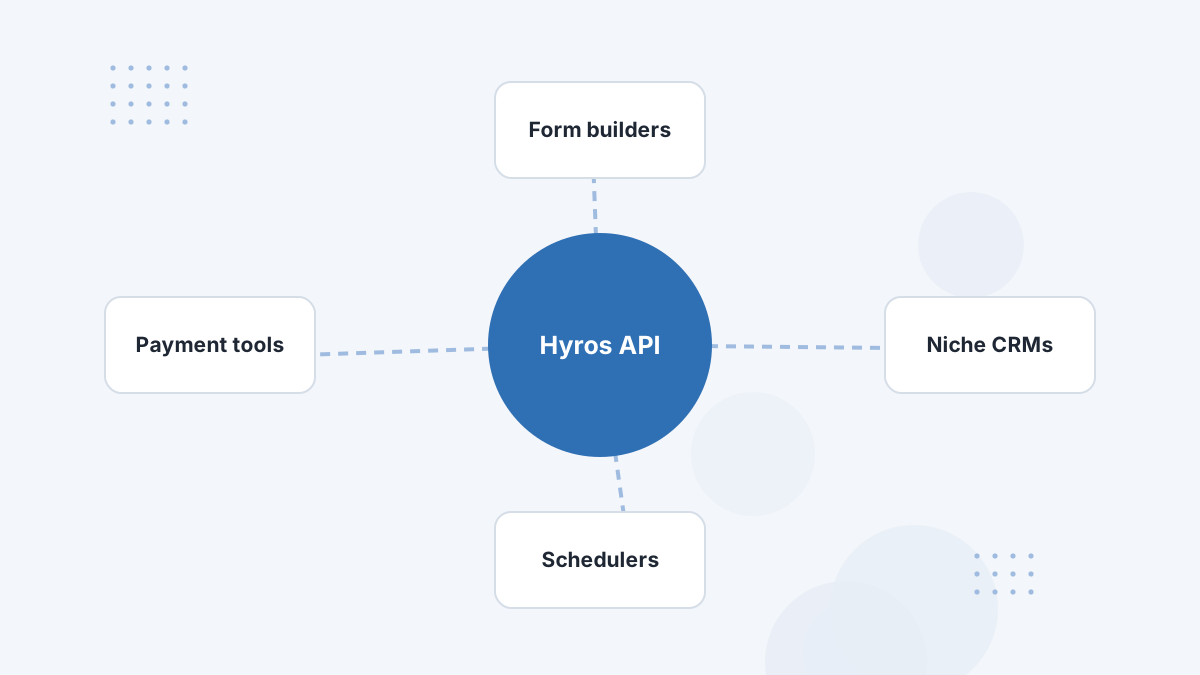
Use Zapier when a tool in your funnel captures leads, bookings or sales but has no native Hyros integration. Common cases from Hyros's guide:
- Lead forms from tools Hyros doesn't connect to directly.
- CRM syncing when a contact reaches a tag or stage.
- Schedulers without a native integration.
Prefer native integrations when they exist. They're usually more reliable and need less maintenance. Check the Hyros integrations list first.
How It Works
A Zap has a trigger and an action. The trigger is an event in your other app, such as a new form submission, contact or order. The action is a "Webhooks by Zapier" POST request that sends JSON to the Hyros API.
Your Hyros API key, found under Settings, then API, goes in the request headers. Zapier also lists ready-made Hyros templates, such as creating Hyros orders from new Kajabi purchases.
Step-by-Step Setup
- Copy your Hyros API key from Settings, then API.
- Create a Zap with your app's trigger, such as New Form Submission or New Order.
- Add a Webhooks by Zapier action using POST to the Hyros API endpoint for the record type you're sending.
- Add headers including your API key and JSON content type.
- Map fields. Always include email and phone so Hyros can match the record to a lead.
- Test, then turn on the Zap.
Field Mapping Tips
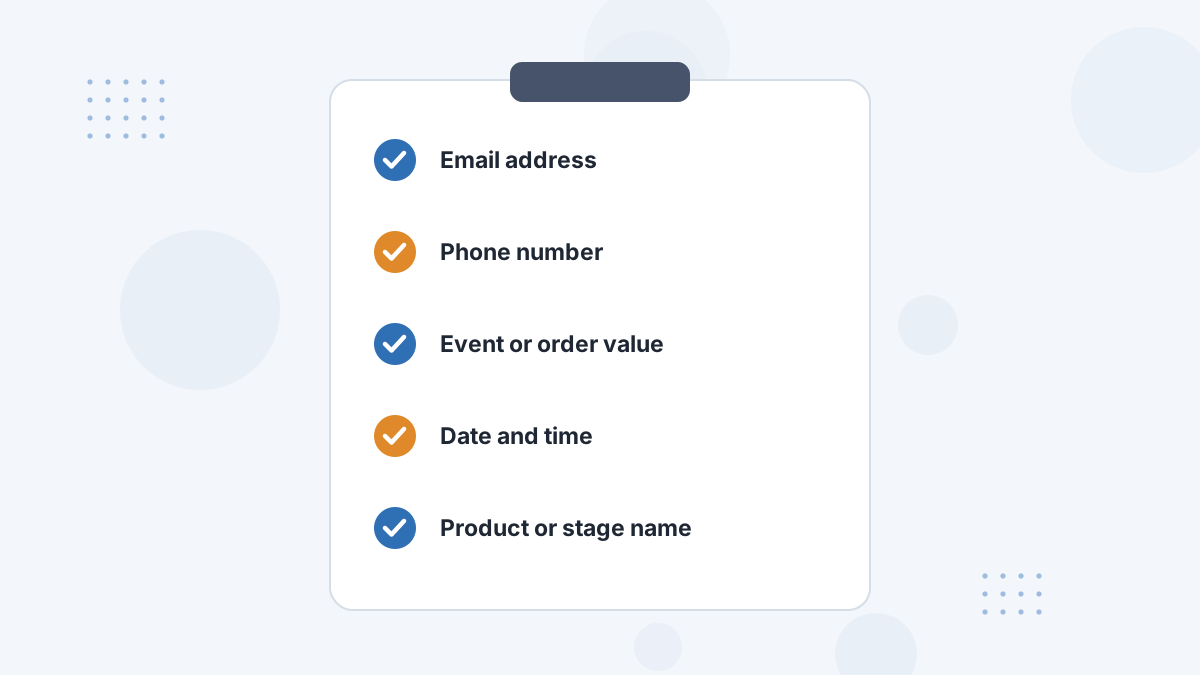
Matching depends on identifiers, so email is the most important field. Phone helps too. For sales, include the order value and currency; for stages, include a clear stage name.
Keep naming consistent across Zaps so your reports stay clean.
Testing Your Zap
- Send a test record from your app.
- Confirm the record appears in Hyros.
- Check Zap task history if it doesn't, along with the endpoint URL, API key and field mapping.
Avoiding Duplicates
If a Zap sends sales that a native integration also reports, you'll double count. Use Zapier only for data that isn't already flowing through another integration, and keep one sales source per sale.
Hyros Zapier FAQs
Does Hyros work with Zapier?
Yes. Hyros's guide uses Webhooks by Zapier to post data to the Hyros API, and Zapier lists Hyros templates.
Where is the Hyros API key?
Under Settings, then API in your Hyros account.
What fields are required?
Email and phone are the key identifiers; include value for sales.
Can you use Make instead?
Yes. Hyros lists Make and webhooks as alternatives.
Connect Every Step of Your Funnel
Book a Hyros demo and confirm how each tool in your stack would report to Hyros.
Book a Hyros Demo