Most Hyros users never touch the API. But if your stack includes a custom checkout, an in-house CRM or a data team that wants Hyros data elsewhere, the API and MCP connection matter.
The Hyros API at a Glance
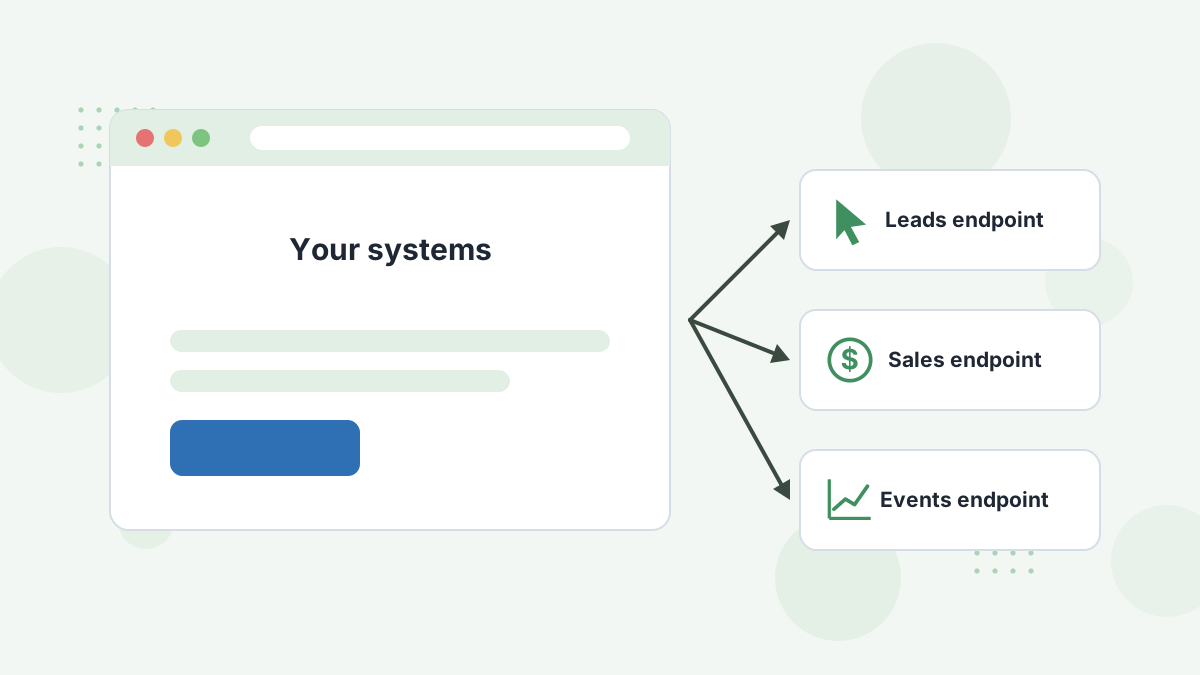
Hyros's API documentation describes a REST API at api.hyros.com/v1, authenticated with your API key, with endpoints for sending leads, sales and events.
What it's for: getting conversions into Hyros from systems without a native integration, such as a custom checkout, an internal billing system or a proprietary booking tool.
Your API key lives in Hyros's settings and should be stored securely server-side, never in browser code. The docs note that a 429 response means you're hitting rate limits and should add delays.
When to Use the API vs Zapier
| Option | Best For | Effort |
|---|---|---|
| Native integration | Supported tools | Lowest |
| Zapier or Make | Unsupported SaaS tools | Low, no code |
| Webhooks | Tools that can post events | Low to medium |
| API | Custom systems and high volume | Developer time |
Start with the simplest option that works. See our Zapier guide.
The Claude MCP Connection
MCP (Model Context Protocol) lets AI assistants like Claude connect to external tools. Hyros lists an "LLM / Claude MCP interface" in its plan and describes it as a way to query your data in plain English and connect reporting.
An open-source Hyros MCP server is also published on npm, connecting Hyros attribution to Claude and other MCP clients using your API key. It exposes read tools for reports such as attribution and ad account metrics, and flags tools that change data so the assistant asks before using them.
What You Can Ask
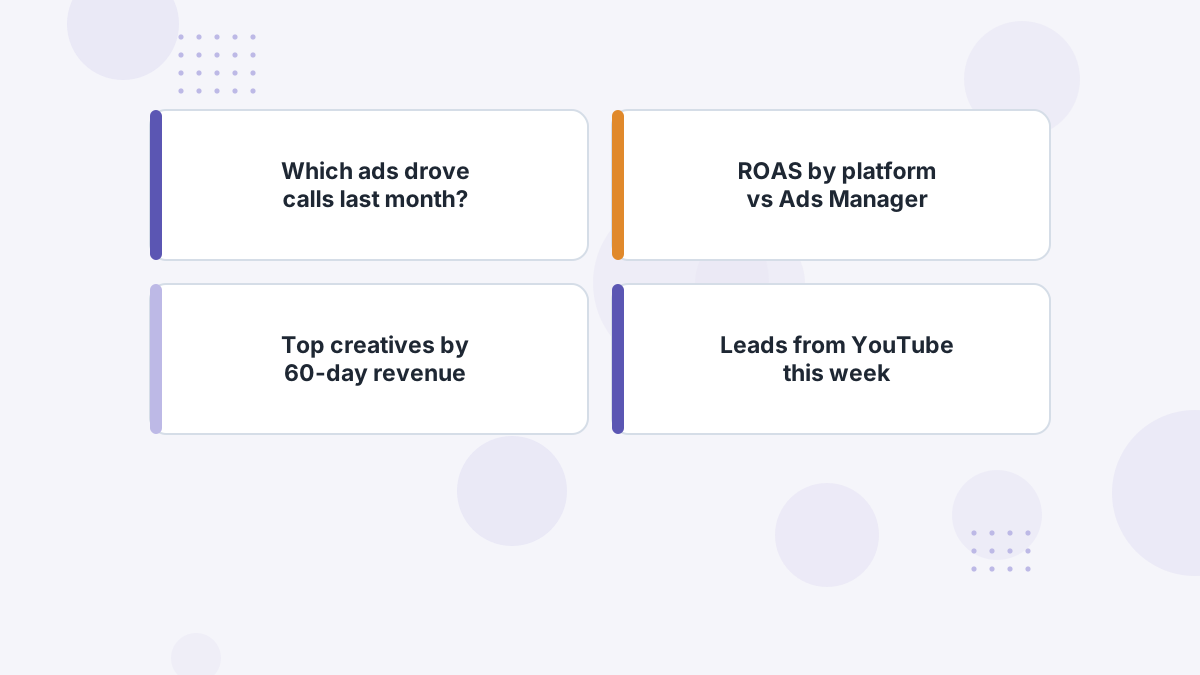
With the connection in place, you can ask questions like:
- "Which campaigns produced the most closed revenue last month?"
- "Compare Hyros-tracked ROAS with Ads Manager for Meta this quarter."
- "List the top five creatives by 60-day revenue."
That's faster than building a report for a one-off question, and it's handy for agencies juggling many accounts. See Hyros for agencies.
Safety and Good Practice
- Keep API keys secret and rotate them if exposed.
- Review write actions before an assistant runs them, especially anything that creates or refunds records.
- Check AI answers against reports before making big budget moves.
- Avoid duplicate sources when sending sales via the API.
Hyros API and MCP FAQs
Does Hyros have an API?
Yes, a REST API with endpoints for leads, sales and events, authenticated with your API key.
Is API access included?
Hyros's pricing page lists full API access as included.
What is the Hyros MCP?
A Model Context Protocol connection that lets Claude and similar assistants query Hyros data in plain language.
Can the MCP change data?
The published server includes write tools, flagged so the assistant asks first by default.
Put Your Attribution Data to Work
Book a Hyros demo to see the API and Claude MCP options for your stack.
Book a Hyros Demo