Klaviyo is the default email and SMS platform for many Shopify and DTC brands. Hyros lists it among its email integrations and documents a setup that covers both the API connection and email attribution.
What the Klaviyo Integration Does
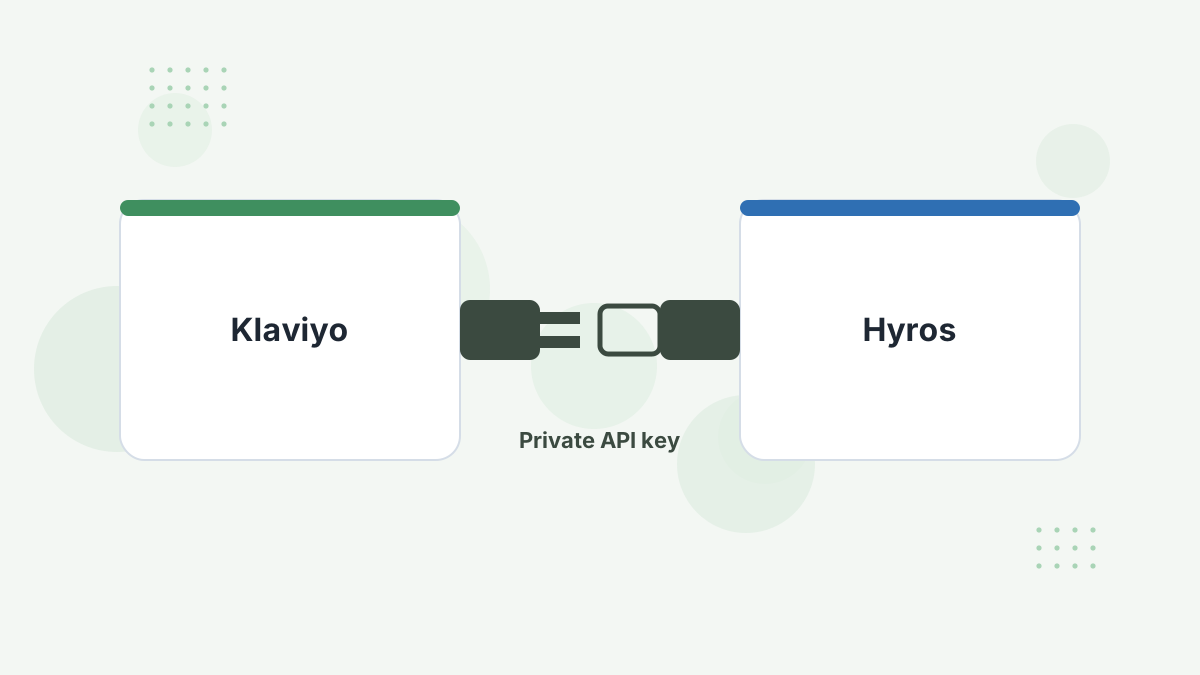
The connection lets Hyros bring Klaviyo campaigns and flows into each customer's journey. With tracking parameters on email links, clicks from your emails join the same timeline as ad clicks and purchases.
Why it matters: last-click reporting often hands email the credit for sales that a prospecting ad started. Seeing both touches lets you value each fairly. See email marketing attribution.
What You Need Before You Start
- Klaviyo account access with permission to create API keys.
- The Hyros script on your site.
- A list of the key campaigns and flows you want to evaluate.
Step-by-Step Setup
- Create a Klaviyo API key. In Klaviyo, go to Account, then Settings, then API Keys, and create a private key or copy an existing one.
- Connect in Hyros. Go to Settings, then Integrations, search for Klaviyo, click Configure, then Create Integration, and enter the key.
- Set up email attribution. In the integration settings, configure attribution and add Hyros tracking parameters to your email links.
- Configure flow tracking and map your key Klaviyo flows so automated sequences can be measured.
What Gets Tracked
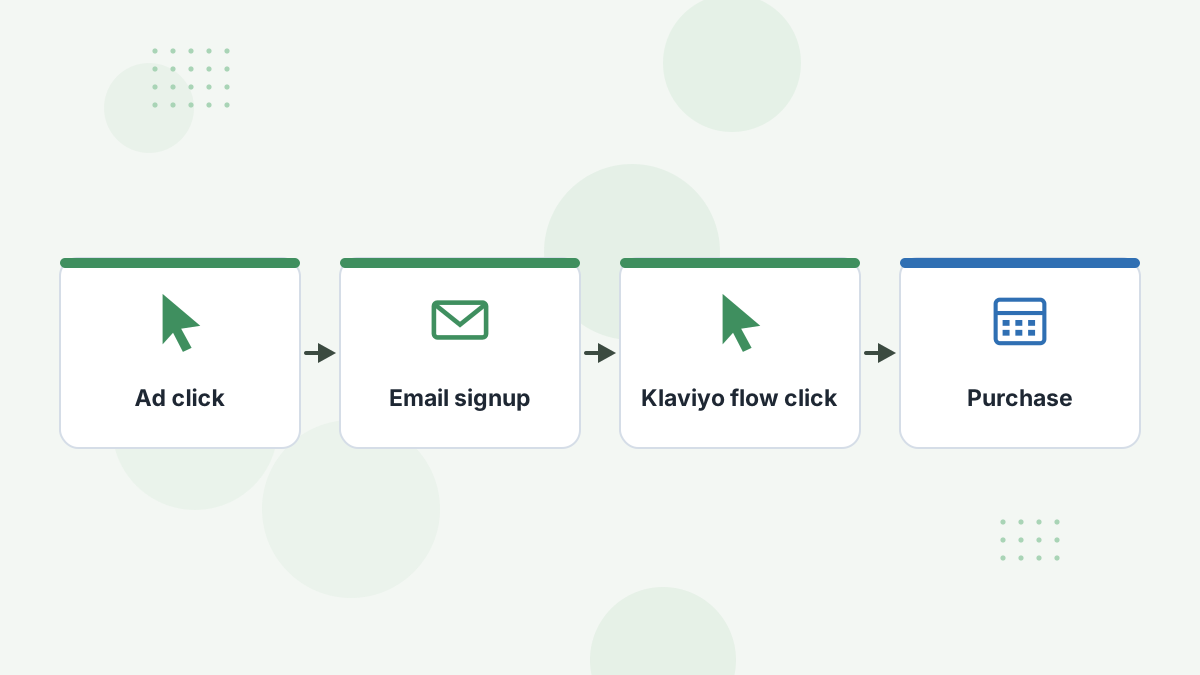
With links tagged, each email click is tied to the subscriber's identity and added to their journey. You can then see which campaigns and flows assist sales, and whether they're converting buyers your ads originally acquired.
Combined with multi-touch models in Hyros, that helps you avoid over-crediting email in last-click views or under-crediting it in first-click views. See Hyros email tracking.
Testing Your Setup
- Confirm the integration shows as connected.
- Send a test email with tagged links to yourself.
- Click a link and confirm the click appears in your Hyros journey.
Common Problems and Fixes
- Clicks not appearing: email links aren't carrying the tracking parameters.
- Connection errors: the API key lacks permissions or was copied incompletely.
- Email over-credited: review first-click and custom models, not just last click.
Hyros Klaviyo FAQs
Does Hyros integrate with Klaviyo?
Yes. Klaviyo is a listed integration connected with a private API key.
Does Hyros track SMS from Klaviyo?
Hyros's Klaviyo guide covers email and SMS campaign tracking via the API.
Why tag email links?
Tags let Hyros tie each click to the subscriber's identity and journey.
Will email still get credit?
Yes, as a touchpoint. You choose how much credit via your attribution model.
Value Email and Ads Fairly
Book a Hyros demo and see Klaviyo's real role in your sales alongside your ads.
Book a Hyros Demo