Searching "cancel Hyros" usually means one of two things: you're evaluating Hyros and want to know what you're committing to, or you're a customer thinking about leaving. We'll cover both, sticking to what's publicly known.
What Hyros Publishes About Billing
Hyros's pricing page doesn't spell out contract length or cancellation terms. What is public:
- Pricing scales with tracked revenue, with an entry tier of $69 a month for up to $5,000 tracked monthly revenue.
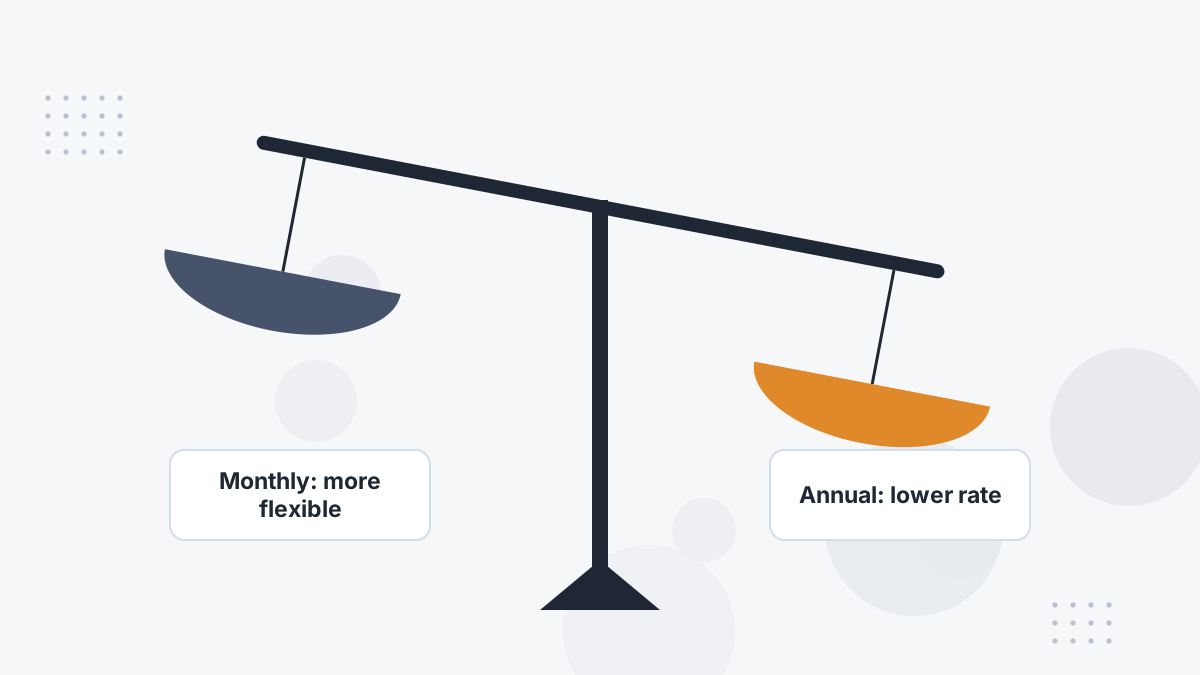
- Monthly and annual options exist: Hyros's own 2026 comparison articles quote about $230 a month on annual billing or $379 month to month at its entry business level.
- A guarantee: "Your ads grow. Or you don't pay," with the FAQ saying you don't pay if you're not satisfied. The measurement terms aren't published.
Everything else should be confirmed in writing during your demo.
What to Confirm Before You Sign
- Term length: month to month, or a 12-month commitment?
- Billing frequency: monthly payments on an annual term, or prepaid?
- Tier changes: how often your tier is reviewed and what happens if revenue drops.
- Renewal: automatic renewal terms and notice periods.
- The guarantee: how growth is measured, over what period, and how to claim.
- Cancellation process: how to give notice and when access ends.
- Data access: how to export reports if you leave.
Our demo guide lists more questions to ask.
Monthly vs Annual: Which to Choose?
Annual billing is cheaper at the levels Hyros has published, but it's a bigger commitment. Monthly costs more but lets you leave if the tool doesn't fit.
Our suggestion: if you're new to independent attribution or your funnel is changing, the flexibility of monthly can be worth the premium for a few months. Once you trust the data, an annual term saves money. See Hyros pricing.
If You Decide to Leave: A Clean Exit
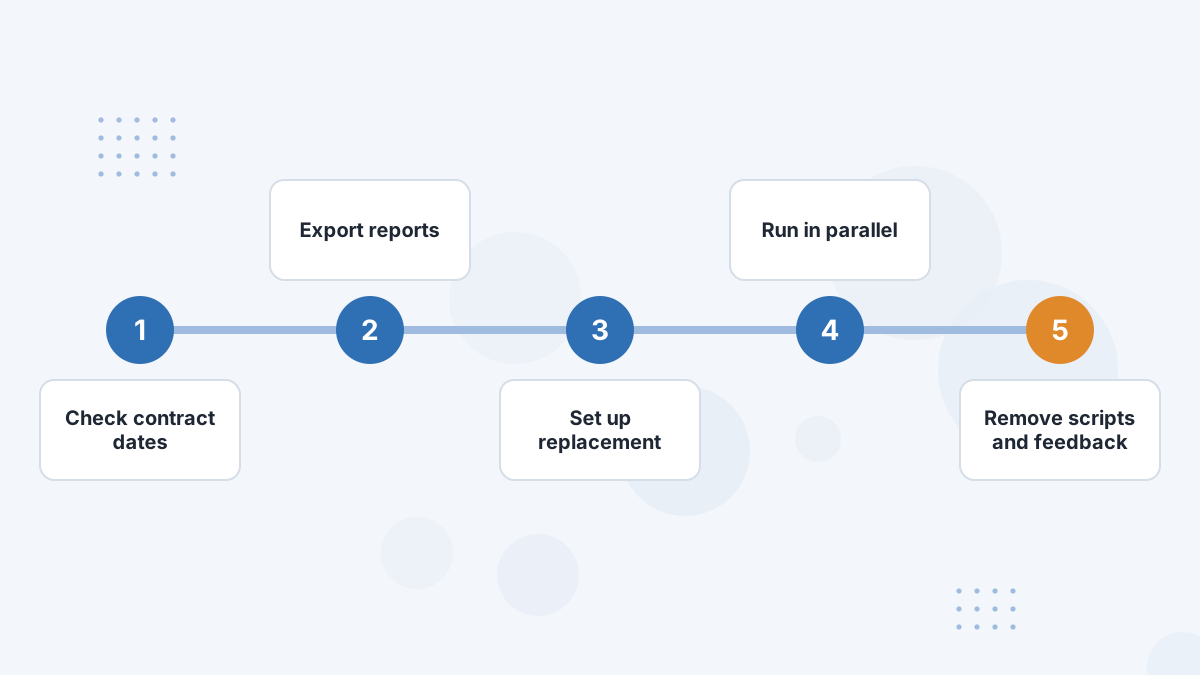
- Check your contract dates and notice requirements.
- Contact Hyros support or your account contact in writing, and keep a record.
- Export your data, such as lead journey and source reports, before access ends.
- Set up your replacement and run both in parallel for a few weeks.
- Turn off Hyros conversion feedback to ad platforms so events aren't duplicated with your new tool.
- Remove the Hyros script and disconnect integrations once you've switched.
Before You Cancel: Is the Problem Fixable?
Many people consider leaving because numbers don't match Ads Manager or setup feels incomplete. Both are often fixable with the included support. See data discrepancies and troubleshooting.
If the tool genuinely doesn't fit your business, our Hyros alternatives guide covers where to go.
Hyros Contract FAQs
Does Hyros require an annual contract?
Hyros quotes both annual and monthly pricing in its own articles. Confirm the term for your tier on your demo.
How do you cancel Hyros?
Contact Hyros support or your account contact in writing and follow your contract's notice terms.
Can you get a refund?
Hyros advertises a "your ads grow or you don't pay" guarantee; refund terms aren't published, so get them in writing.
What happens to your data when you leave?
Export key reports before access ends, and confirm data retention terms when signing.
Start With Clear Terms
Book a Hyros demo and get pricing, term length and guarantee details confirmed before you commit.
Book a Hyros Demo